Indoor cycling for beginners: bikes, apps and your first ride
Start indoor cycling with a stationary bike, a bike trainer or a class. Understand the equipment, apps and key terms before spending money.
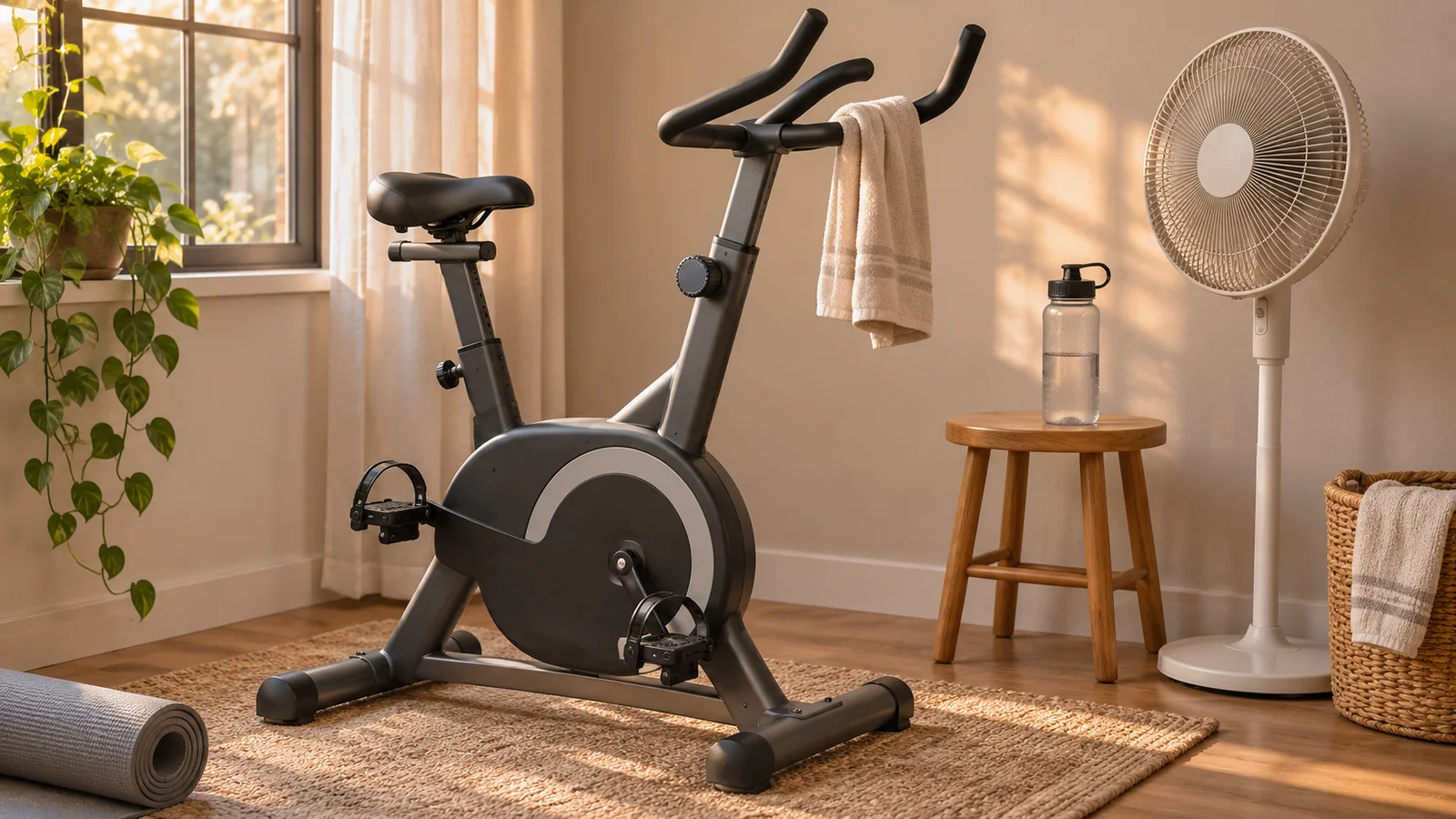
Indoor cycling means pedaling a stationary bike or riding a bicycle on indoor equipment such as a trainer. It can be a studio class, a quiet spin at home, a planned workout or a ride through a virtual world. Those experiences share a movement, but they do not all require the same equipment or subscription.
Start by choosing the experience you want. Someone who wants an instructor and music has a different shopping list from someone who wants to use their outdoor bike on virtual climbs. This guide helps you choose that first path, understand the terms and get to a manageable first ride. Everycol makes a trainer riding app, but buying an app is not a prerequisite for cycling indoors.
Three ways to start indoor cycling
Look at what you already have access to before buying anything. A gym membership may include exercise bikes or classes. A bicycle you already own may fit a trainer. If you have neither, compare the complete cost of a stationary bike with the cost of a bicycle plus trainer; the trainer price alone is not a fair comparison.
| Starting point | What you use | What to establish first |
|---|---|---|
| A class or gym bike | The facility’s bike and an instructor or your own session. | Class format, booking cost, shoe requirements and help adjusting the bike. |
| A home exercise bike | A dedicated stationary bike with its own resistance controls. | Fit range, floor space, included pedals and whether you want connected features. |
| Your bicycle on a trainer | A compatible bicycle mounted to a wheel on or direct drive trainer. | Frame, axle and drivetrain fit, then app and device compatibility if you want them. |
An exercise bike and a bike trainer solve different problems
A stationary exercise bike stays indoors and has its own saddle, handlebars and resistance system. Adjustability matters if several people will use it. A built-in screen is optional: decide whether its classes and account requirements suit you before paying for that particular combination.
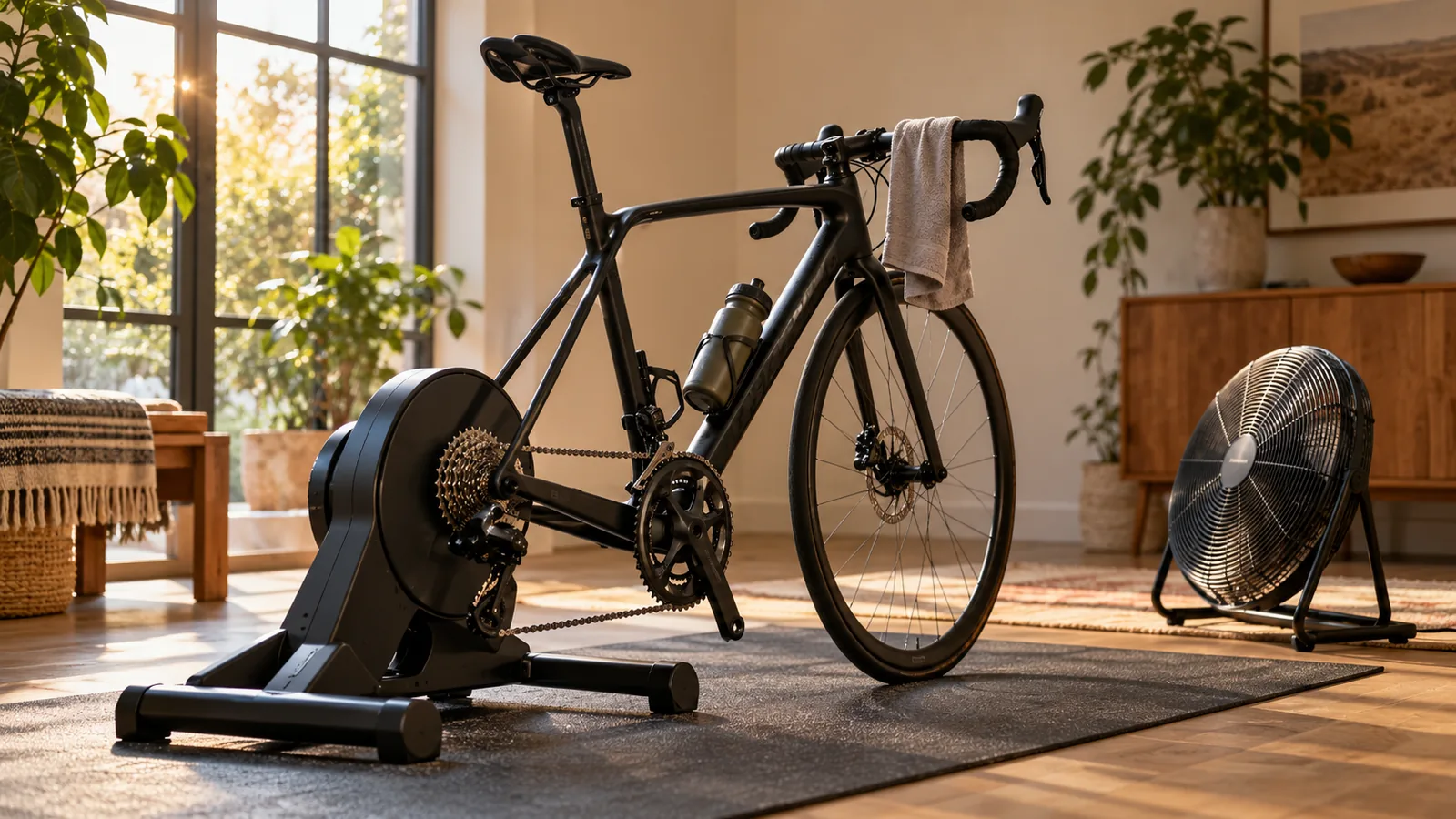
A trainer lets you use a compatible bicycle you already ride. With a wheel on trainer, the rear tire turns against a roller. With direct drive, the rear wheel comes off and the bike connects to the trainer. These require different parts and installation steps; neither is universally compatible with every frame. Rollers are another category, with their own balance and setup requirements, rather than an interchangeable substitute for a fixed trainer.
A smart bike is different again: it is a dedicated indoor bike that exchanges data with software and may accept resistance commands. Check the exact model. The words “Bluetooth” or “connected” alone do not establish that it can control hills, send power or work with the app you want.
Choose what will make you want to ride again
An instructor-led class gives you cues, music and a session to follow. It can happen at a studio, gym or through an app at home. Peloton, for example, offers app classes for use with exercise bikes; the membership for its own connected equipment is a separate purchasing question. Watching a class does not mean your bike automatically sends data to the app.
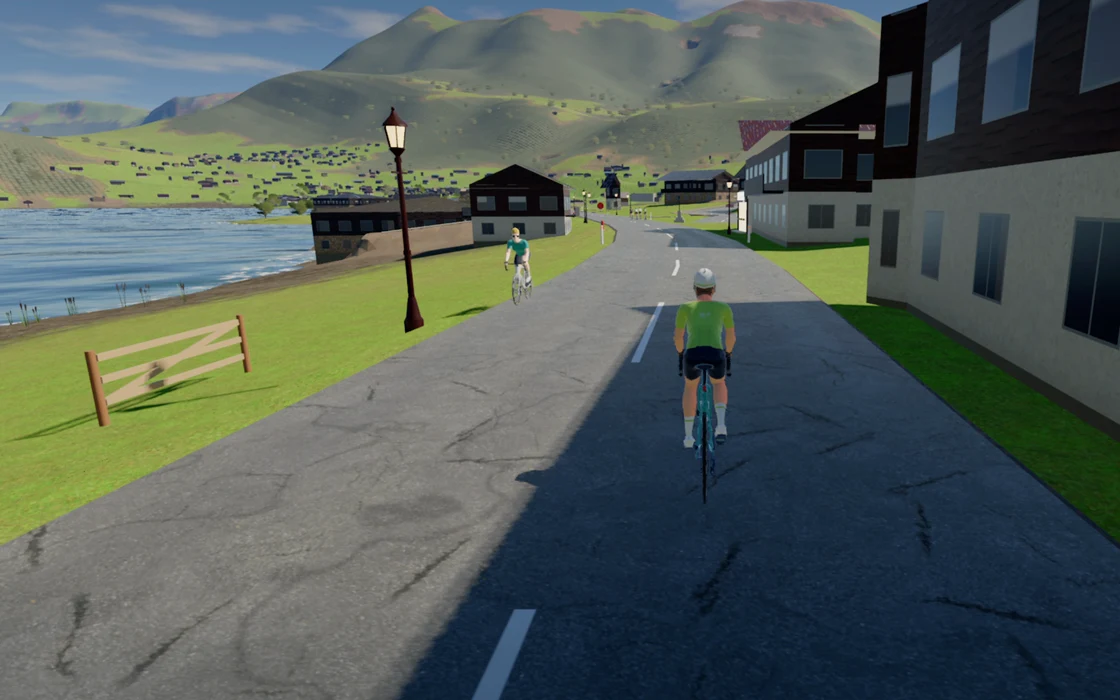
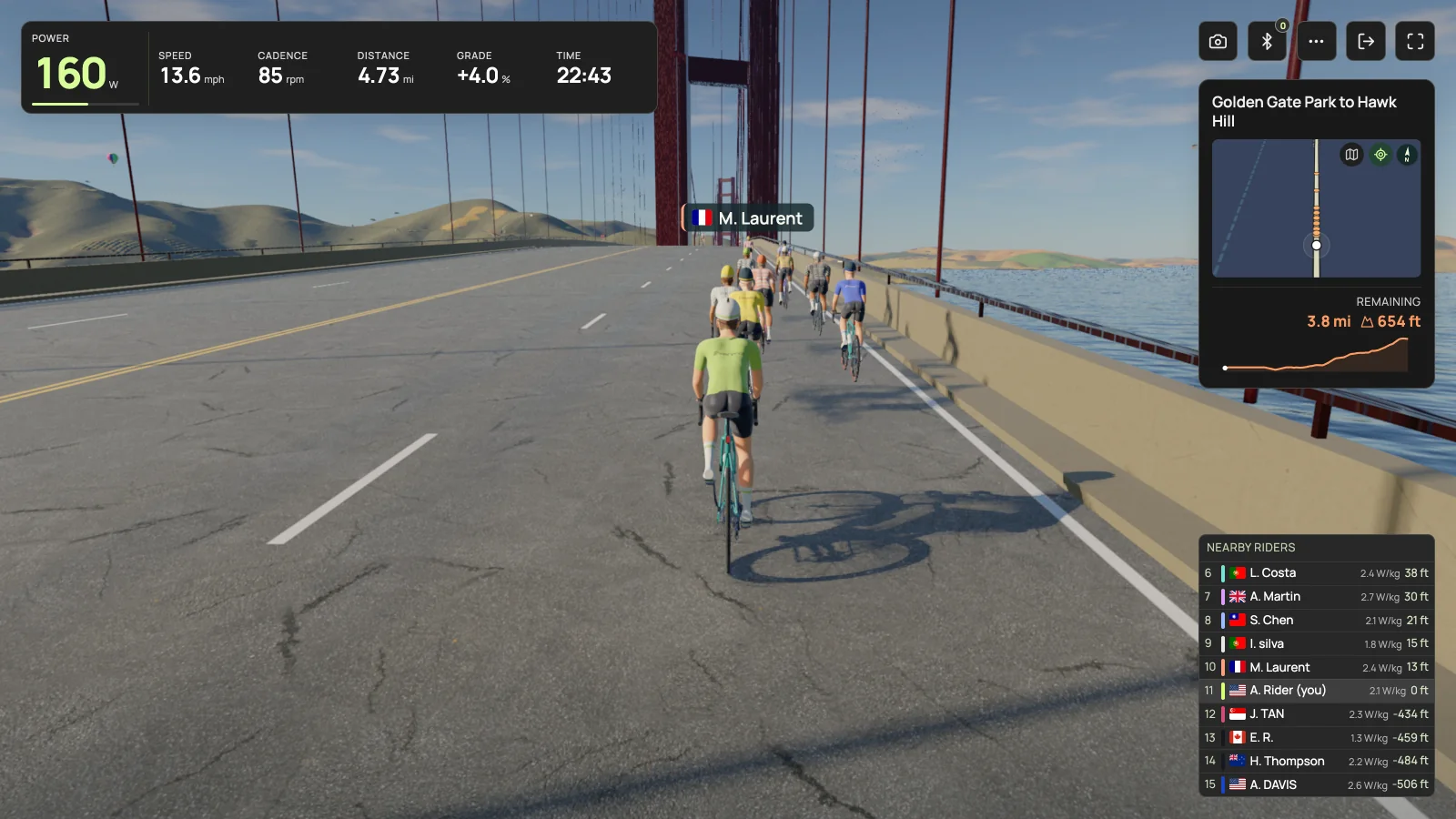
A structured workout supplies timed efforts and easier sections, often using power targets. A virtual ride supplies a road or world to travel through, sometimes with other people. Filmed routes show recorded road footage; rendered routes use a computer-generated environment. Many cycling apps combine several of these experiences, so do not choose from a one-word description alone.
You can also ride without a class, virtual road or paid membership. Music, a timer or a simple resistance setting may be enough. Make the first purchase solve a problem you actually have, such as needing a bike to pedal or wanting the trainer to respond to a route.
The terms you need before opening a cycling app
ERG does not pedal for you. If cadence falls while the target stays the same, the trainer can increase resistance. Learn the app’s intensity and stop controls before choosing a demanding workout. A short comfortable ride is a better place to learn the interface than a maximal test.
| Term | What it means | Why it matters |
|---|---|---|
| Cadence | How quickly you turn the pedals, measured in revolutions per minute (rpm). | Turning faster is different from producing more power. |
| Power | The rate of work at the pedals, shown in watts (W). | An app may use measured or estimated power; check which your equipment supplies. |
| ERG mode | The app asks a controllable trainer to hold a target power. | Resistance adjusts as cadence changes; the workout sets the target. |
| Simulation mode | The app requests resistance based on a virtual road’s slope and its simulation settings. | You use gears or supported virtual shifting to manage the effort. |
| FTP | Functional threshold power, a reference value used to scale many cycling workouts. | A target based on someone else’s FTP is not a useful target for you. |
| Virtual shifting | Software changes the effective gearing through a compatible trainer and controls. | Support must match the app, trainer, firmware and controller. |
Make the space usable before adding accessories
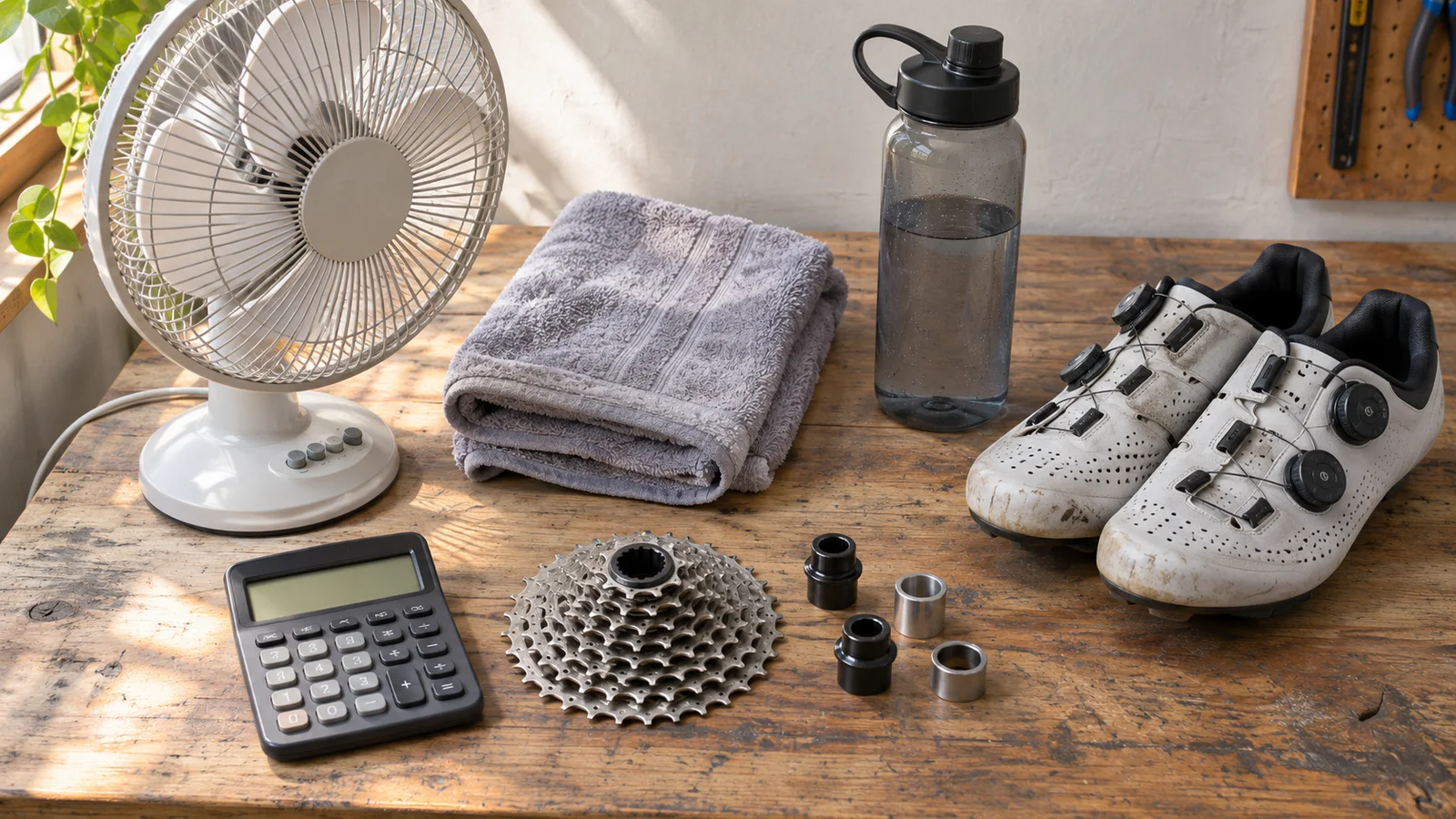
Give the bike a stable surface and enough clear space to mount, pedal and get off. Follow its setup instructions, keep power leads away from moving parts and put a fan where it reaches you. Position any screen so you can read it without craning toward a low table. Keep the stop control, a towel and a bottle within comfortable reach.
Spend a moment checking the whole sequence: where the bike lives, how you set it up, where you put it afterward and what needs wiping down. An impressive room that takes twenty minutes to assemble may suit you less than a modest setup you can leave ready. More accessories can wait until you know which inconvenience they would fix.
Use the first ride to answer four practical questions
Treat the first session as an introduction to the equipment, without a distance, speed or fitness target. Start gently, choose something you can stop whenever you want and leave time to make adjustments. In a class, ask the instructor to explain the bike’s adjustment and stopping mechanism before it begins.
Afterward, write down the one thing you would change before returning: fan position, screen height, a pairing step or the ride you selected. Solve that specific problem first. There is no need to buy a power meter, start a training plan and join a race on the same day.
- Is the bike stable, with no rubbing, unexpected movement or loose parts?
- Can I sit and reach the handlebars and controls comfortably?
- Can I change resistance or gears and stop without searching for instructions?
- If connected, does the app receive changing power and control resistance as expected?
Where Everycol fits in the choices
Everycol is our browser-based app for rendered 3D routes, workouts and saved rides. It is an option if exploring roads on your own trainer sounds appealing. It is not an instructor-led studio class, and a basic exercise bike without a supported trainer connection is not enough for connected riding.
Trainer pairing needs Chrome or Edge on a supported Bluetooth desktop, using FTMS or supported Tacx FE-C over Bluetooth. Safari, Firefox and iOS browsers are not supported trainer paths, and ANT+ USB and Zwift Click virtual shifting are not implemented. Verify your exact trainer rather than treating a Bluetooth logo as certification. Start with the public route catalog if you want to see what you could ride.
Your questions, answered
Do I need a smart trainer to start indoor cycling?
No. A class, a stationary exercise bike or a suitable basic trainer can all be starting points. Connected virtual riding has extra hardware and app requirements.
Is indoor cycling the same as a spin class?
A spin-style class is one form of indoor cycling. The broader term also includes riding alone on a stationary bike or using your own bicycle on an indoor trainer.
Can I use an ordinary exercise bike with a cycling app?
You can follow compatible classes without a data connection, but a virtual cycling app may need power or other supported sensor data. Automatic resistance requires separate control support. Check the exact bike and app rather than assuming every Bluetooth bike works.
Do I need cycling shoes or a subscription?
Neither is universal. Footwear depends on the pedals and the venue or equipment instructions. A subscription depends on the software or classes you choose; a basic ride does not inherently require one.
Sources & useful reading
For compatibility and changing product details, go straight to the source.