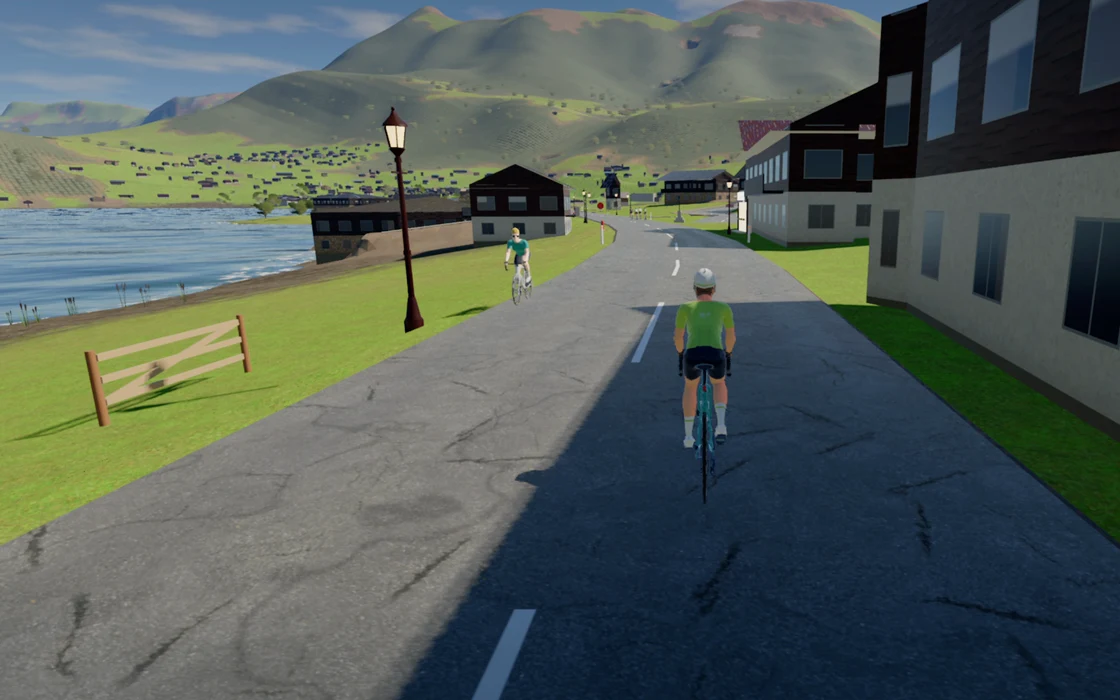
Somewhere new every ride
Ride real roads, from Alpine passes to Singapore at night, rebuilt with their buildings, landmarks and terrain.
Ride real roads in high-fidelity 3D with riders from around the world. Free ride or get faster with adaptive workouts—all in your browser.
Start riding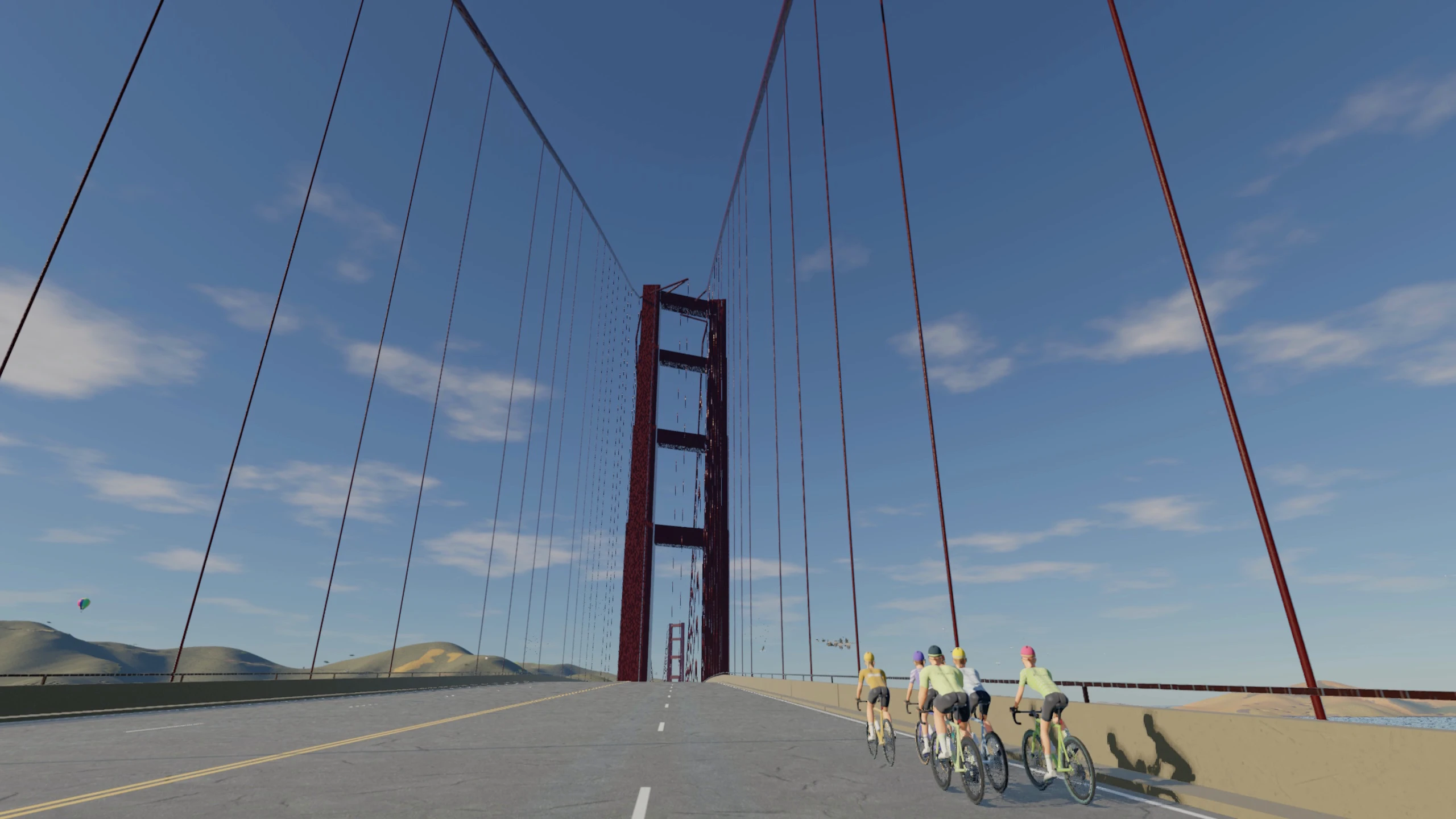
Ride real roads, from Alpine passes to Singapore at night, rebuilt with their buildings, landmarks and terrain.
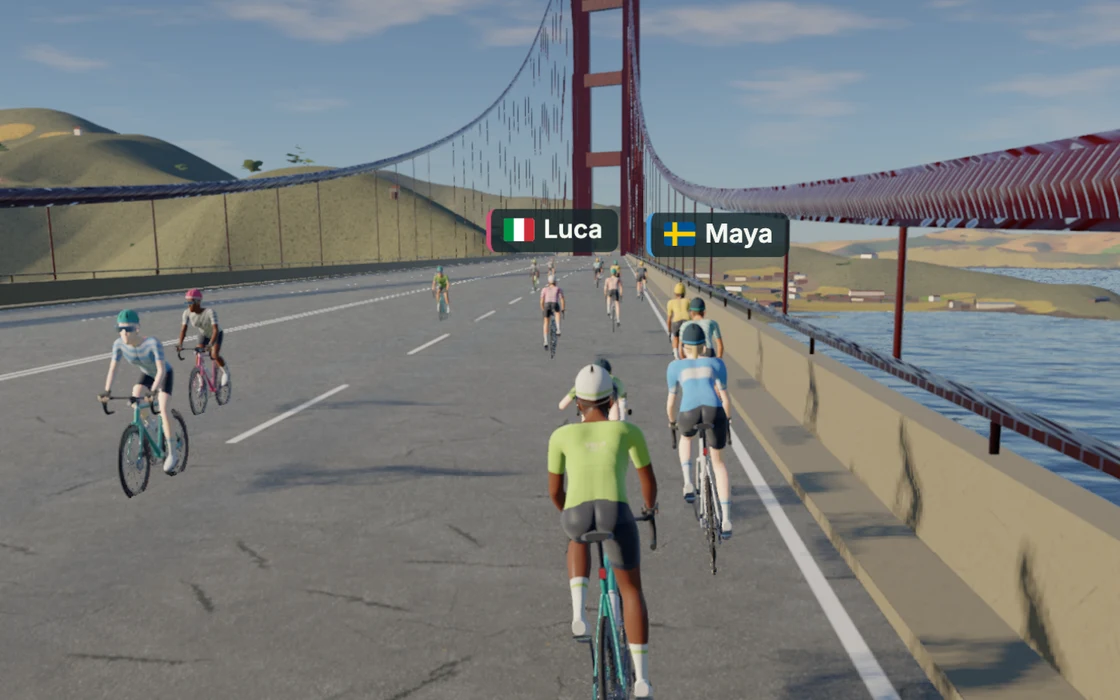
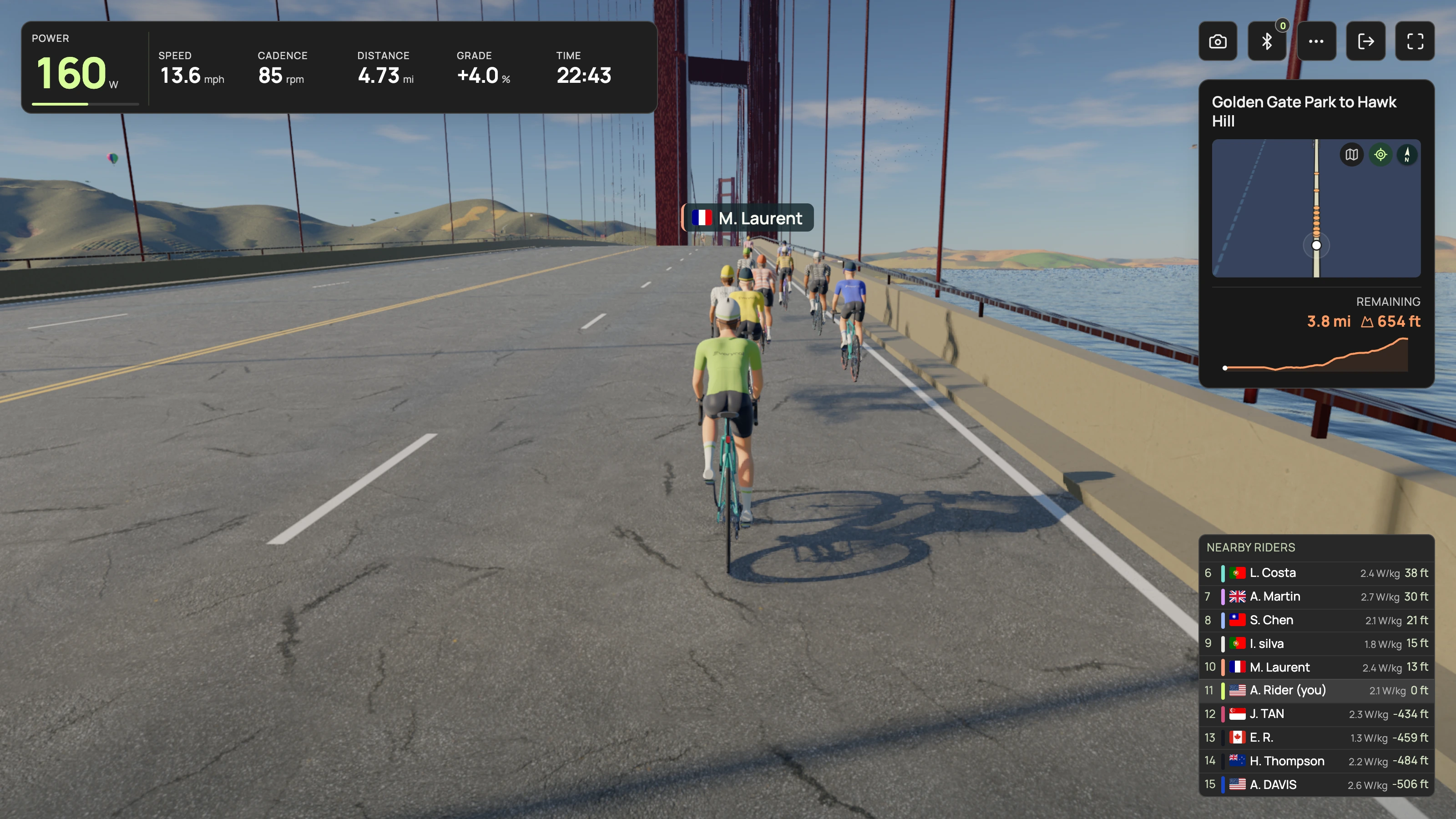
Everyone on a route shares the road, so friends who pick the same ride see each other and ride together.
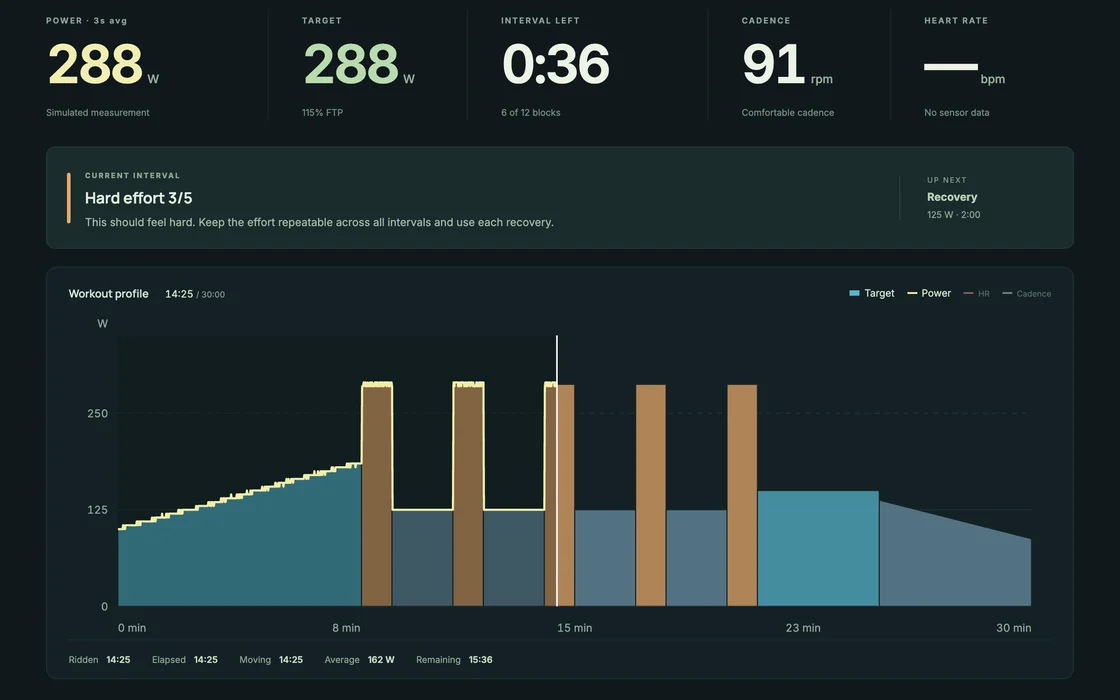
Power targets scaled to your FTP, from 15 minutes to 3 hours, on whichever road you feel like riding.
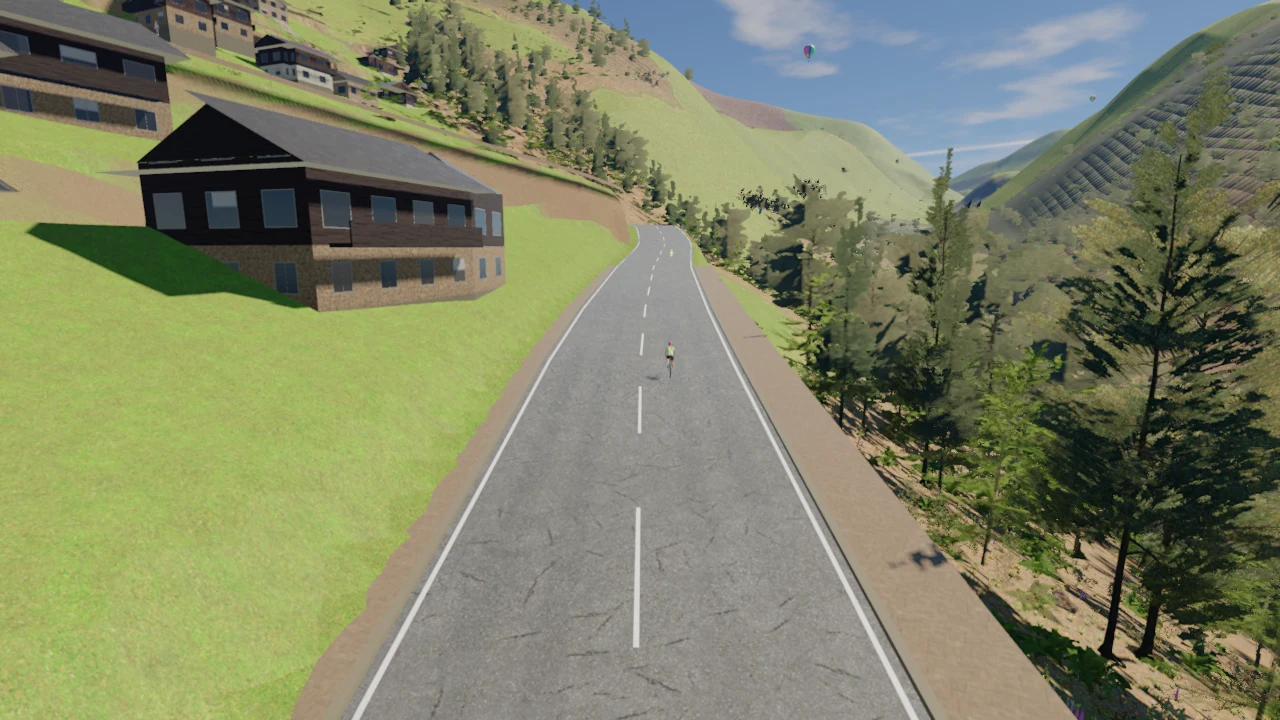
French Alps
15.2 km 1,136 m climbing
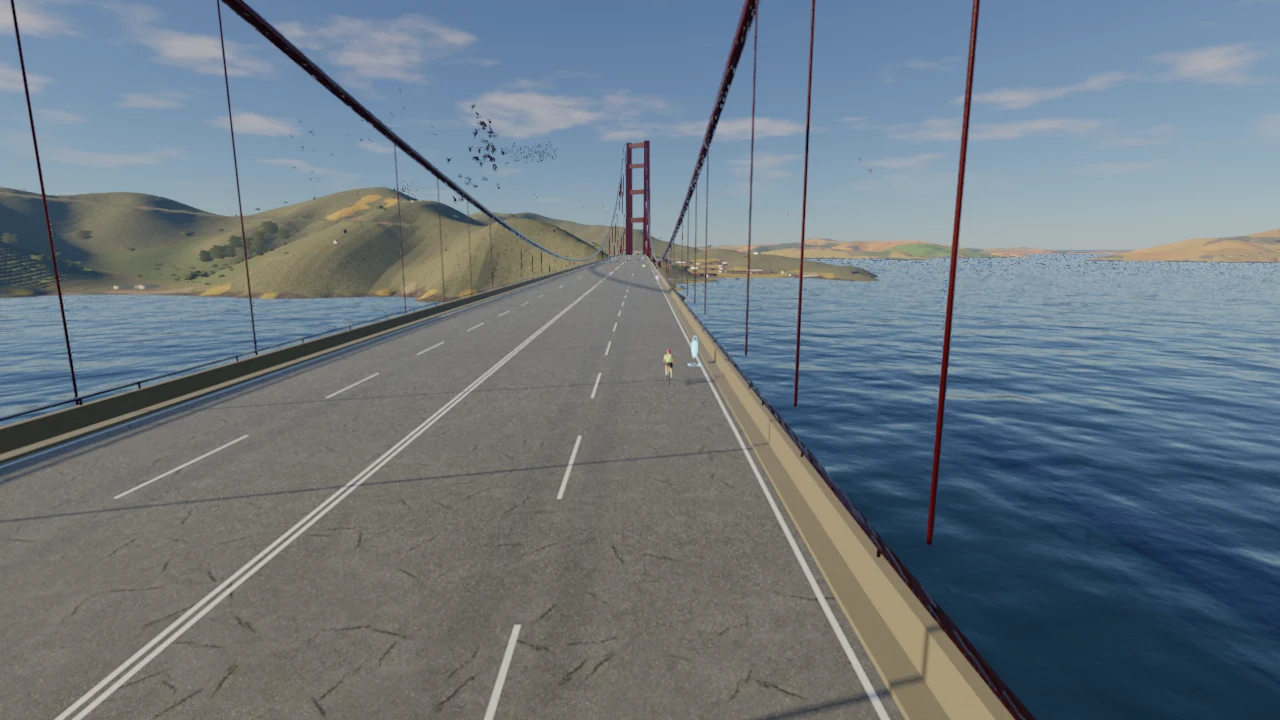
San Francisco
13.8 km 316 m climbing
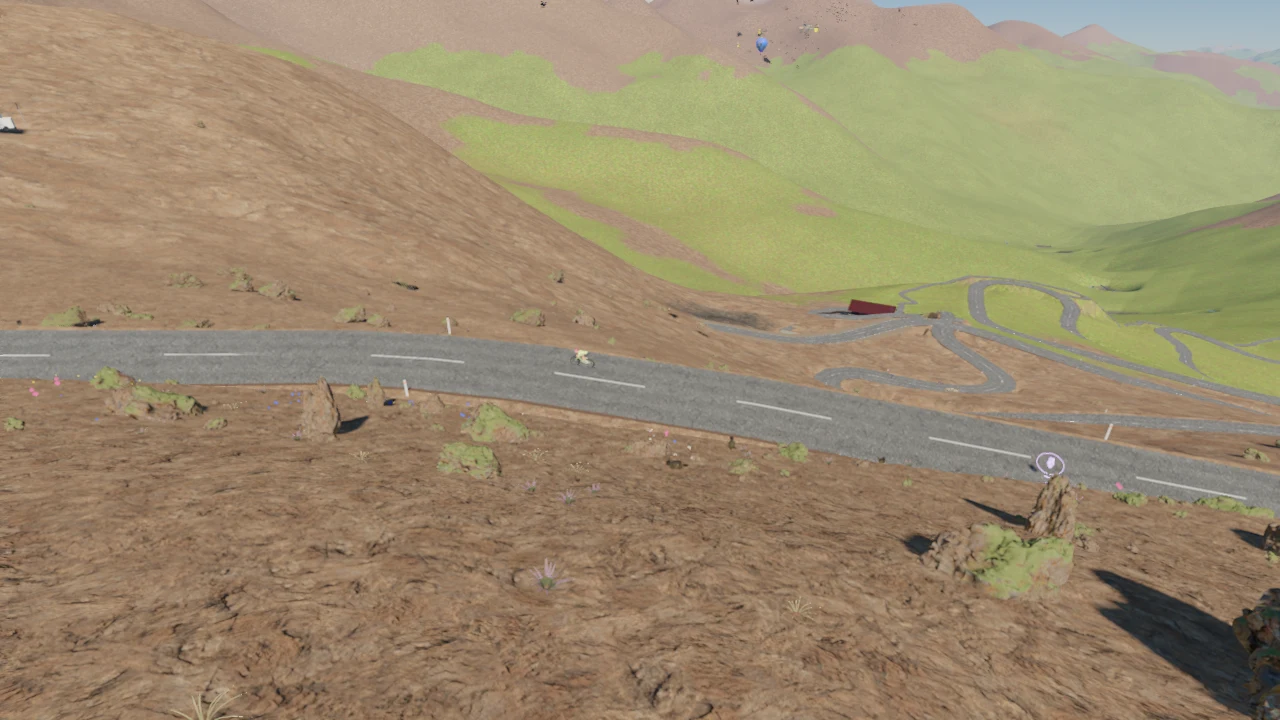
French Alps
18.1 km 1,235 m climbing
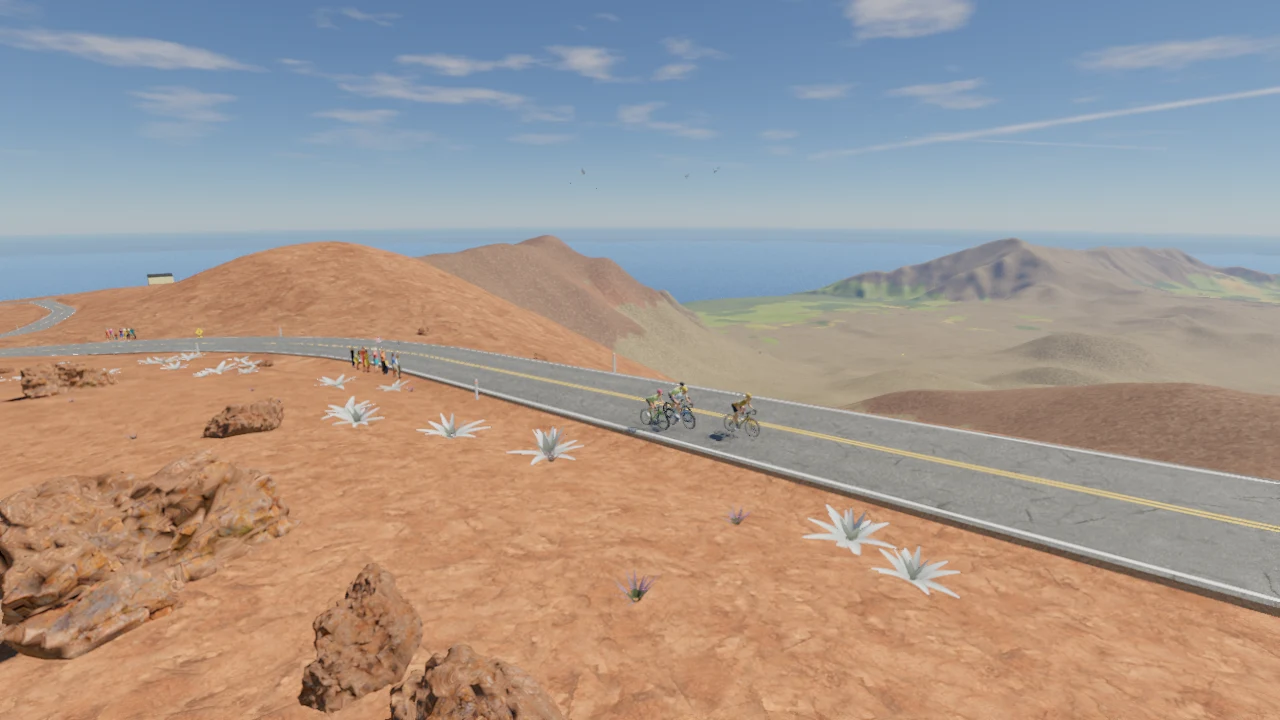
Maui
56.8 km 3,056 m climbing
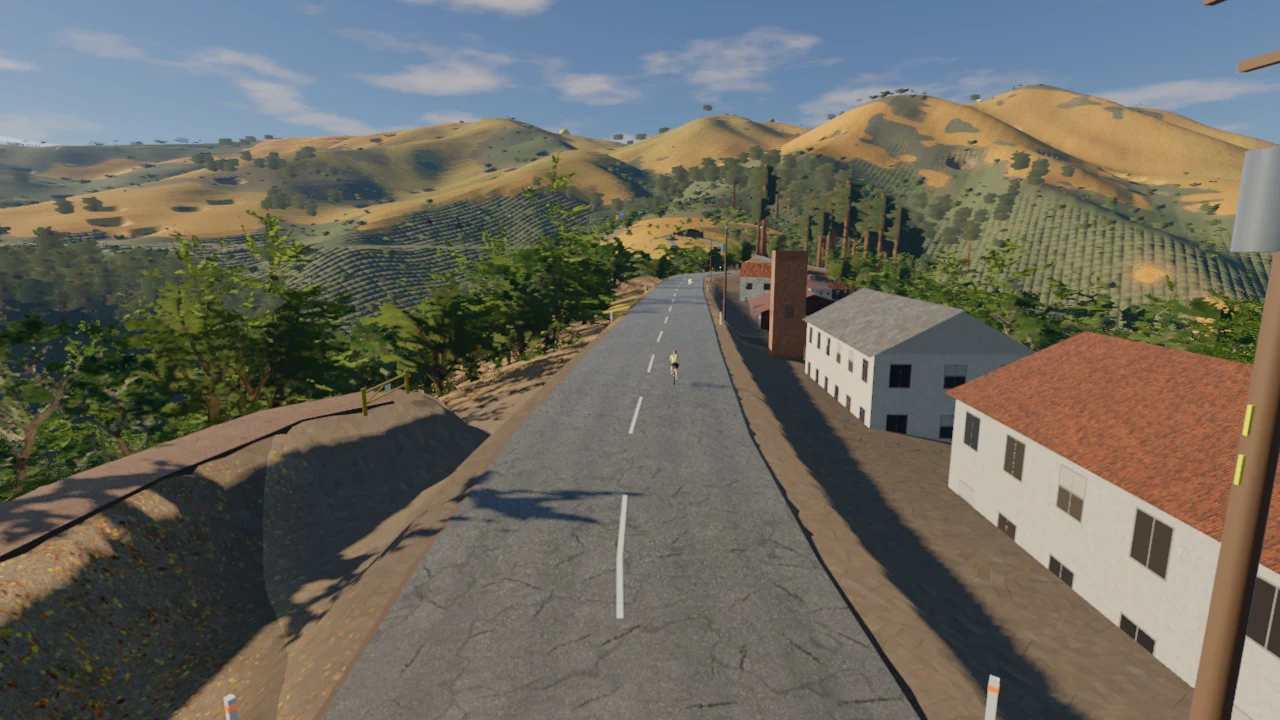
Marin County
23.4 km 857 m climbing
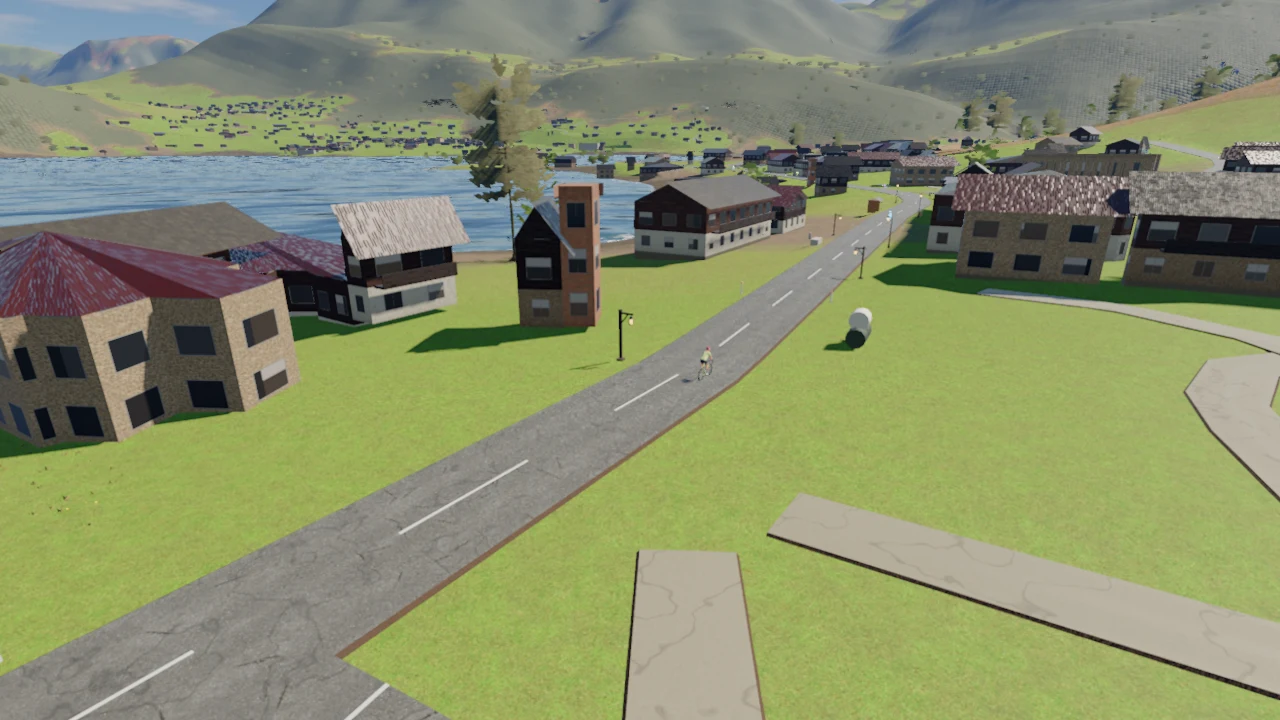
French Alps
39.6 km 223 m climbing
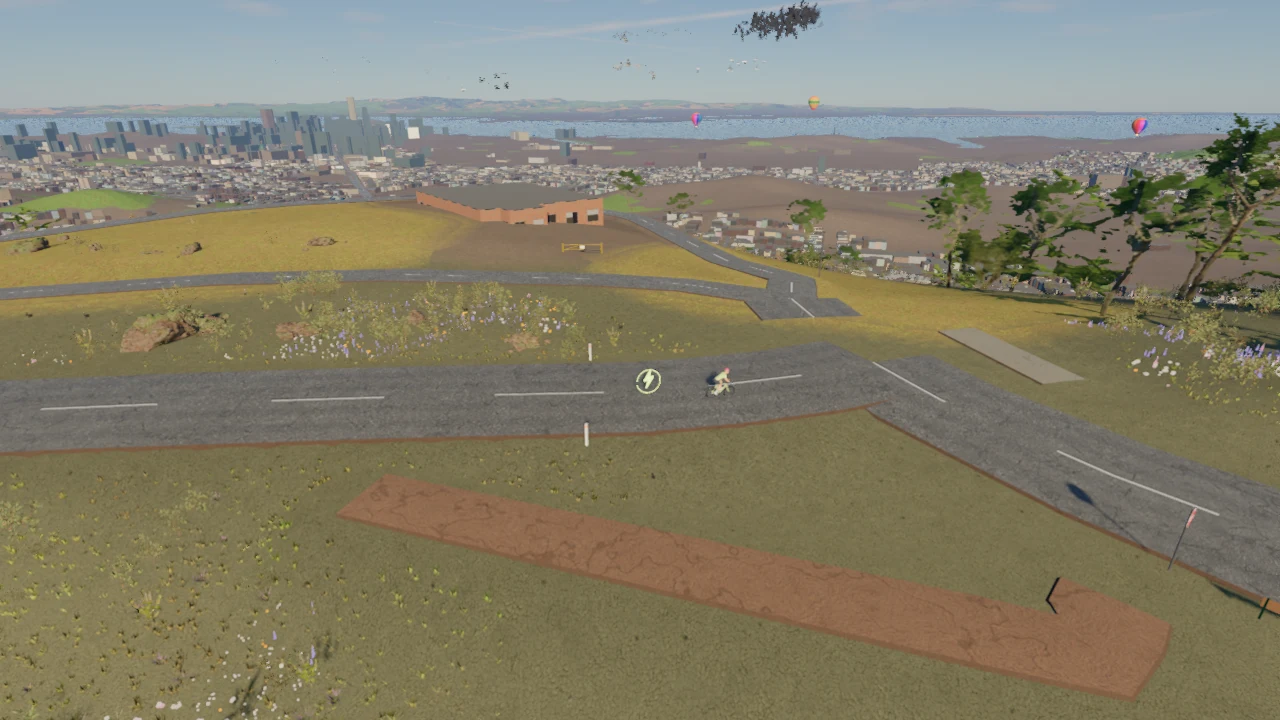
San Francisco
7.6 km 225 m climbing
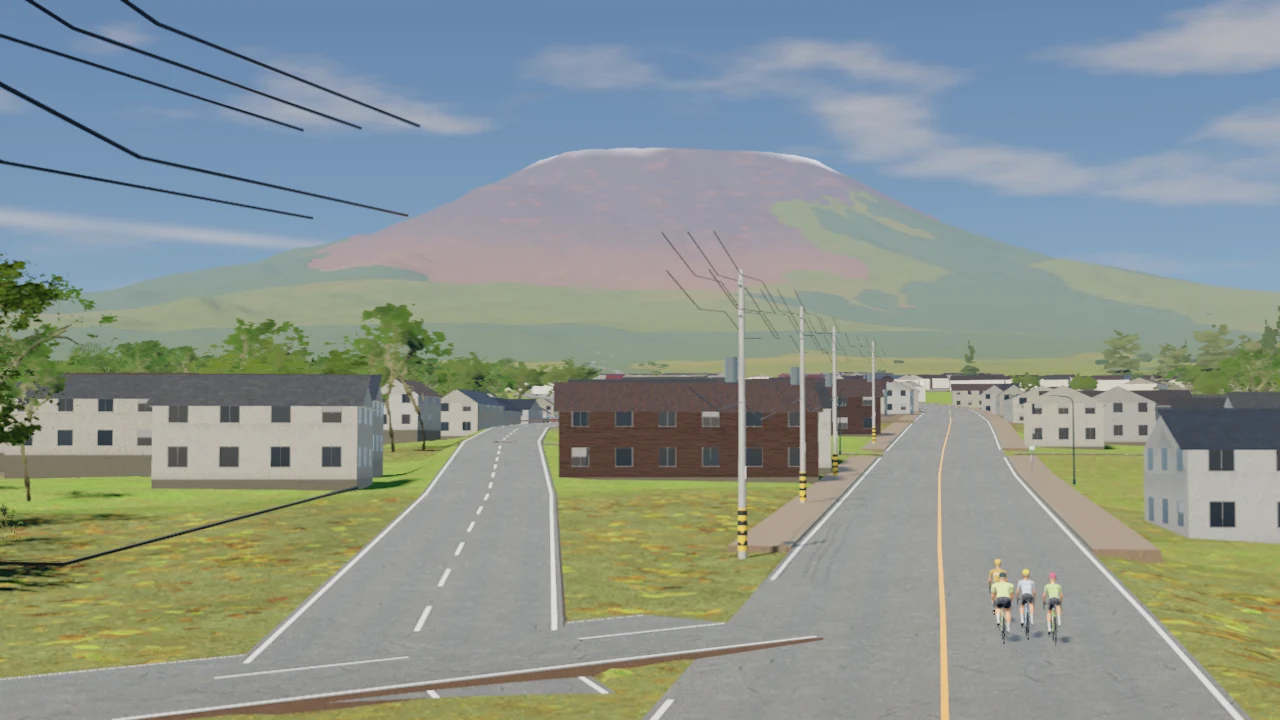
Japan
54.0 km 1,274 m climbing
Sign up with your email, choose your rider and set your FTP or take the ramp test later.
Open Everycol in Chrome or Edge on your computer and connect your smart trainer over Bluetooth.
Free ride with whoever is out there or follow a power target workout on any route.
Most indoor apps are either fun or productive. Everycol puts power target workouts on real roads rebuilt in high fidelity 3D, with other riders sharing the road, so one session can make you faster, take you somewhere new and keep you company.
A smart trainer that connects over Bluetooth and a computer with Chrome or Edge.
Any trainer with Bluetooth FTMS, which covers most current smart trainers, plus Tacx trainers over Bluetooth, including the NEO 2T.
No. Everycol runs in Chrome or Edge on your computer, so there is nothing to install or update.
Not yet. Rides need Chrome or Edge on a computer, but you can create your account on any device.
Yes. Everyone who picks the same route shares the road, so you see each other and can ride together.
Every route follows real streets and climbs, rebuilt in 3D from map and elevation data with their buildings, landmarks and terrain.
That is what the workouts are for. Pick one from 15 minutes to 3 hours and your trainer holds each power target, scaled to your FTP, on whichever route you ride. Not sure of your FTP? Take the ramp test.
Yes. Connect Strava and every ride uploads automatically. You can turn automatic sharing off at any time.
Works in Chrome and Edge with any Bluetooth smart trainer.