Buying your first smart trainer: what actually matters
A practical smart trainer buying guide covering bike fit, cassettes, app compatibility, virtual shifting and the indoor setup costs people forget.
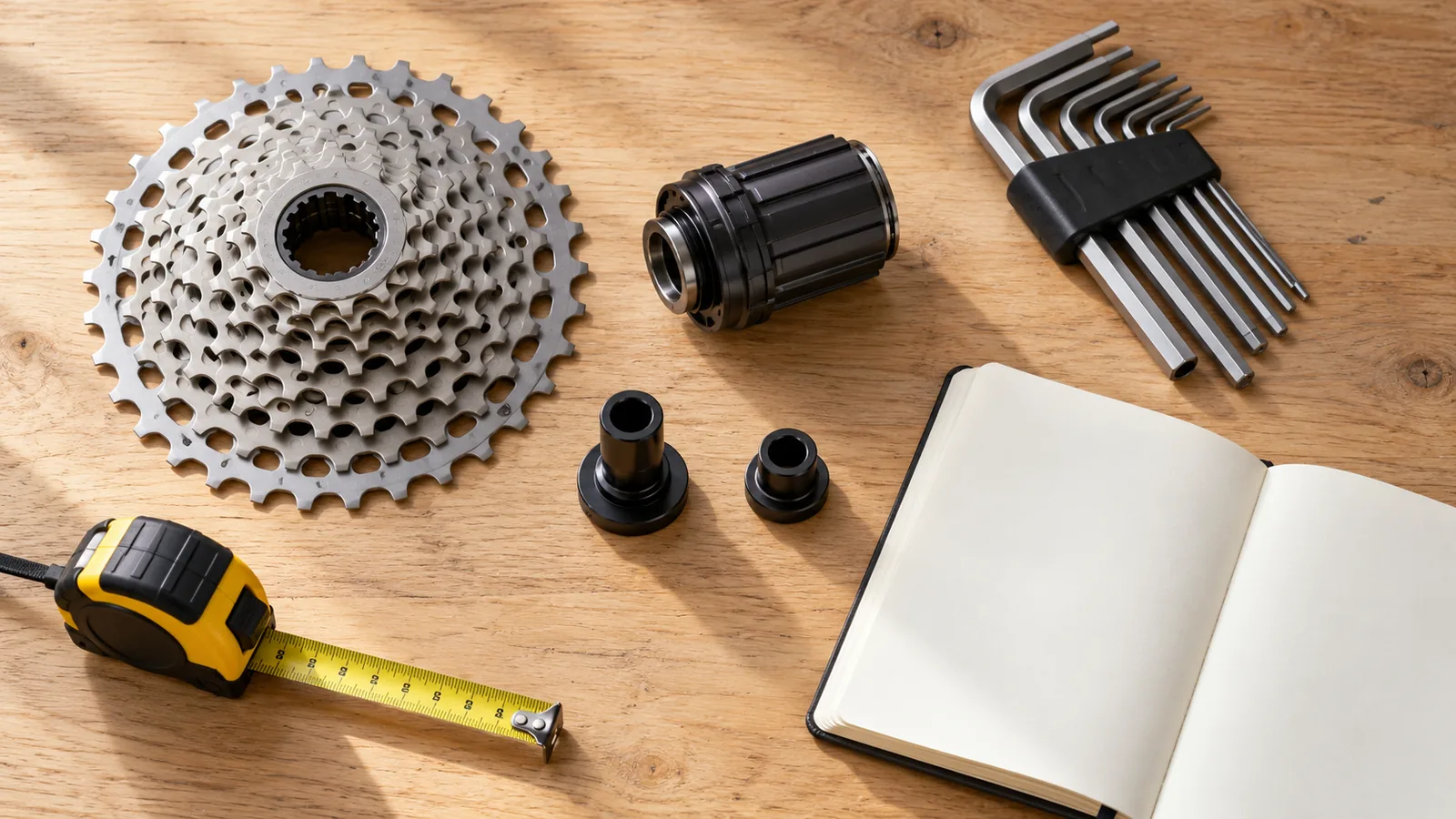
The trainer is the big purchase. It is also only one part of the setup. A great deal stops looking great when the cassette does not match your bike, your tablet cannot run the app you wanted, or the room is too hot to enjoy riding in.
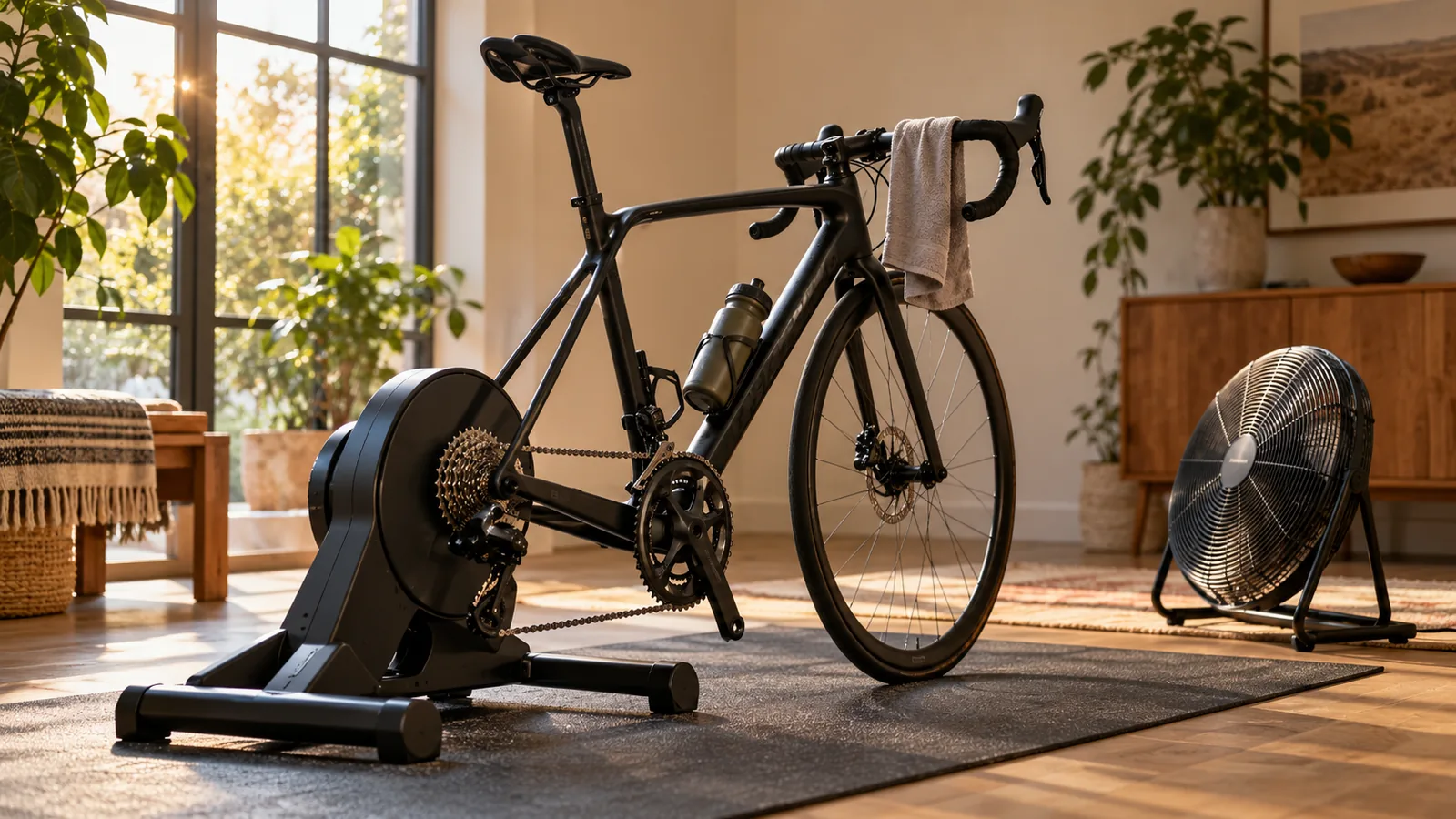
Start with the whole ride: your bike, your screen, the app and the space. Then choose the trainer that joins them together. Here is the order we would use to make that decision without disappearing into a week of specification tables.
Decide what you want an ordinary Tuesday to feel like
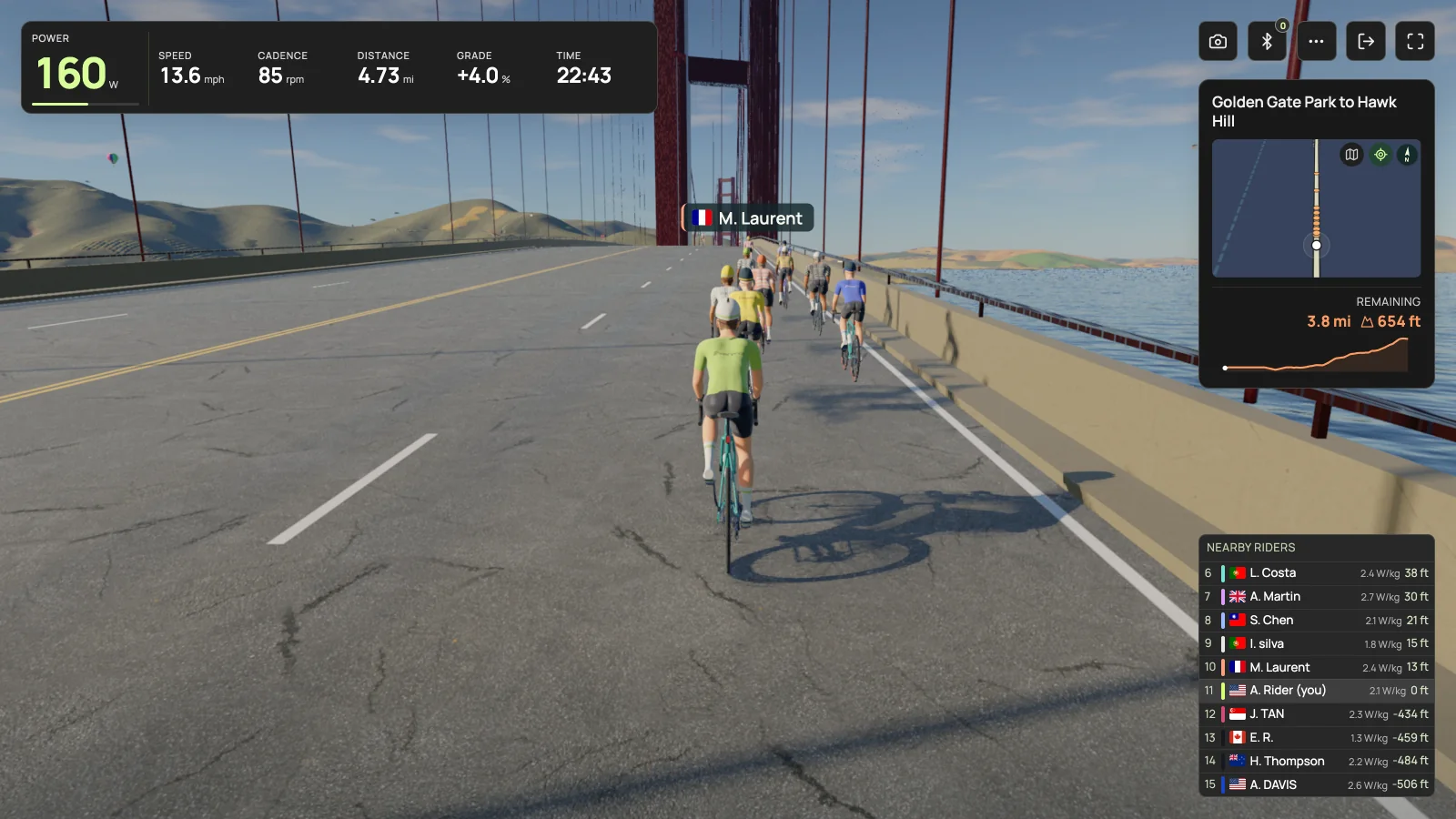
Picture a normal session, not the most ambitious version of yourself. Do you want to follow a workout, ride a famous climb, join friends, or pedal for half an hour while the weather is awful? Those answers help you choose an app. The app then narrows the hardware and device combinations worth considering.
Write down three things you will actually use. Automatic resistance might matter a lot. A giant maximum sprint figure might not. If you share the setup, quick adjustments and clear bike compatibility could be more valuable than another headline specification.
Know what you are buying
“Smart” does not settle every question. Check whether the exact model sends power, accepts automatic resistance commands and works with your chosen app over the connection you intend to use. A Bluetooth logo by itself does not answer all three.
| Type | What changes | Check before buying |
|---|---|---|
| Wheel on trainer | Your rear tire presses against a roller. | Wheel and tire fit, mounting hardware, noise and calibration instructions. |
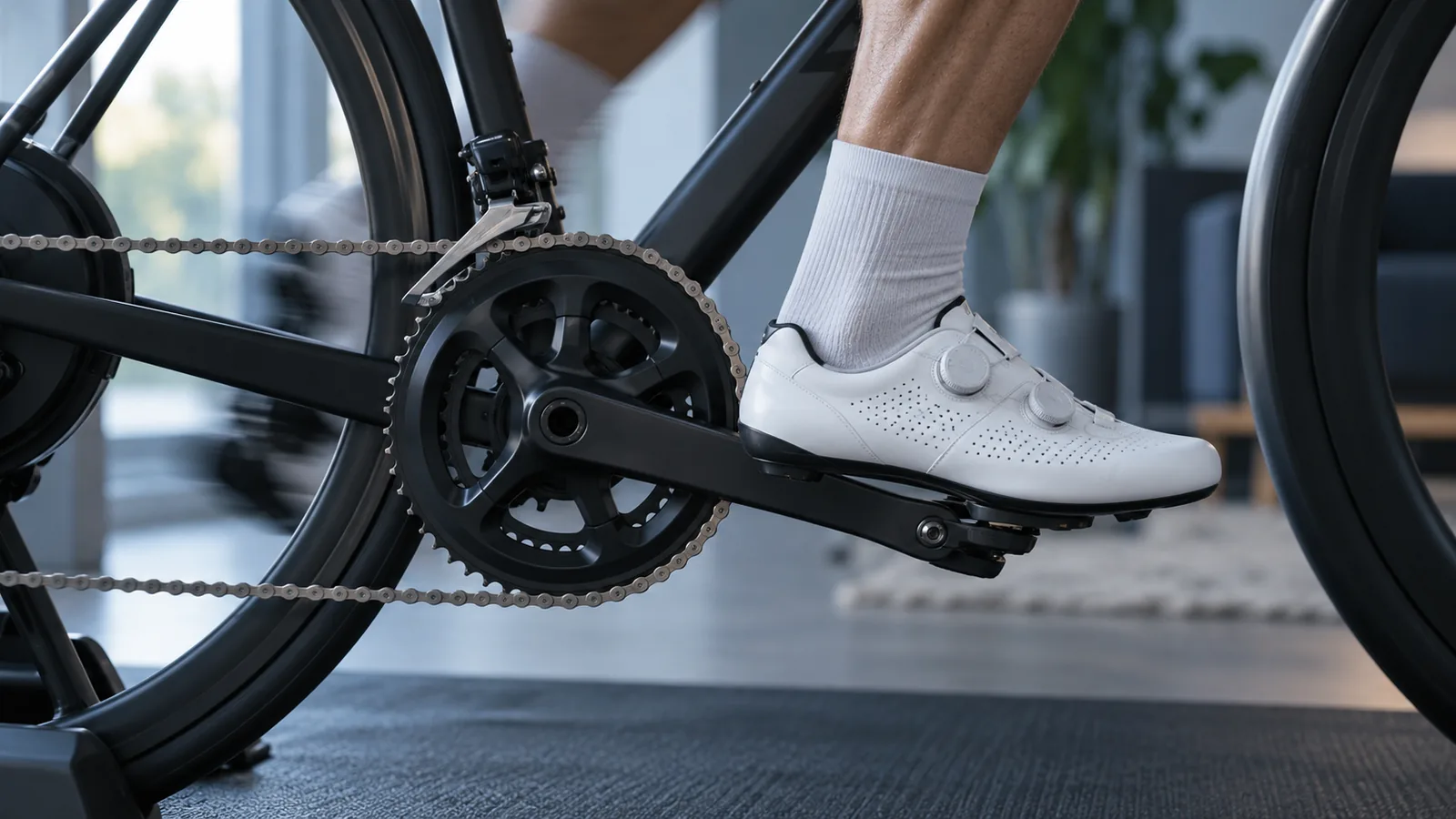
| Direct drive trainer | The rear wheel comes off and your drivetrain turns the trainer. | Frame clearance, axle adapters, cassette and freehub compatibility. |
| Smart bike or smart frame | A dedicated indoor setup replaces some or all of your outdoor bike. | Fit range, included trainer, controls and app support. |
Check the bike before comparing the price
For a direct drive trainer, identify your bike model and year, rear axle type, cassette speed and drivetrain family. Then check the trainer manufacturer’s frame and drivetrain guidance. Matching the number of gears is useful, but it is not the whole compatibility check: freehub standards and some chain or cassette systems matter too.
Do this before ordering adapters from memory. If the answer is unclear, give the manufacturer or a bike shop those exact details. A short compatibility conversation is less work than repacking a heavy trainer. Keep the mounting instructions nearby when you install the bike, and use the specified hardware and tightening method.
Be careful with the words “works with every app”
Power measurement, resistance control and virtual shifting are separate capabilities. A trainer may send watts to an app while its handlebar buttons do nothing there. That matters especially if your setup uses a single sprocket and relies on software to change gears.
Ask a specific question: does this trainer, with this firmware and this controller, support virtual shifting in this app? Check the app’s current list rather than assuming support transfers from another platform. If broad app choice is important to you, understand what a conventional cassette and normal bike gears would require on the trainer you are considering.
Choose the screen and connection at the same time
The spare device in a drawer is only useful if the app supports it. Check the operating system, Bluetooth or ANT+ path, screen readability and how you will reach the controls from the saddle. Try a demo on that device where one is available.
For Everycol, trainer pairing uses a supported Bluetooth desktop in Chrome or Edge. It uses FTMS or supported Tacx FE-C over Bluetooth; Safari, Firefox and iOS browsers are not supported trainer paths. ANT+ USB adapters and Zwift Click virtual shifting are not implemented. Protocol support is not a promise that every model and firmware has been tested, so verify your exact setup before buying hardware for it.
Leave money for the unglamorous things
Price the usable setup, not just the trainer box. A fan, a stable place for your screen, floor protection, any cassette or adapter you need, and the app membership all belong in the comparison. You may already own several of those things. That is good news, not a reason to replace them.
Also think about where the setup lives between rides. Measure the floor space with the bike attached. Check how you will move and store the trainer, where the power cable goes and whether the room works for the people you share it with. Convenience is a real feature when you are tired after work.
The questions to answer before checkout
Before comparing noise, feel, portability and extra features, work through these five questions. The right trainer is one that fits your bike and makes the ride you want possible. You do not need to buy the most expensive one to make that happen.
- Is my exact bike and drivetrain supported, and which adapters are included?
- Can the app receive power and control resistance on my actual device?
- If I need virtual shifting, is this exact combination supported?
- What does the complete setup cost, including the app and missing parts?
- What are the return, warranty and support terms in my country?
Your questions, answered
Do I need a smart trainer for indoor cycling?
No. Basic trainers can work well for riding indoors. Automatic app control requires compatible hardware, and each app has its own supported sensor and trainer options.
Can I use a Zwift Cog with any cycling app?
Do not assume so. The mechanical fit, trainer protocol and virtual shifting support are separate checks. Verify the trainer, firmware, controller and app together.
Should I choose the trainer or the app first?
Shortlist the riding experience and app first, then choose compatible hardware and a supported device. That avoids buying around an app you cannot run.
Sources & useful reading
For compatibility and changing product details, go straight to the source.