ERG mode explained: make your smart trainer feel right
Learn what ERG mode does, why resistance rises when cadence drops, which gear to use, and how to fix the most common smart trainer workout problems.
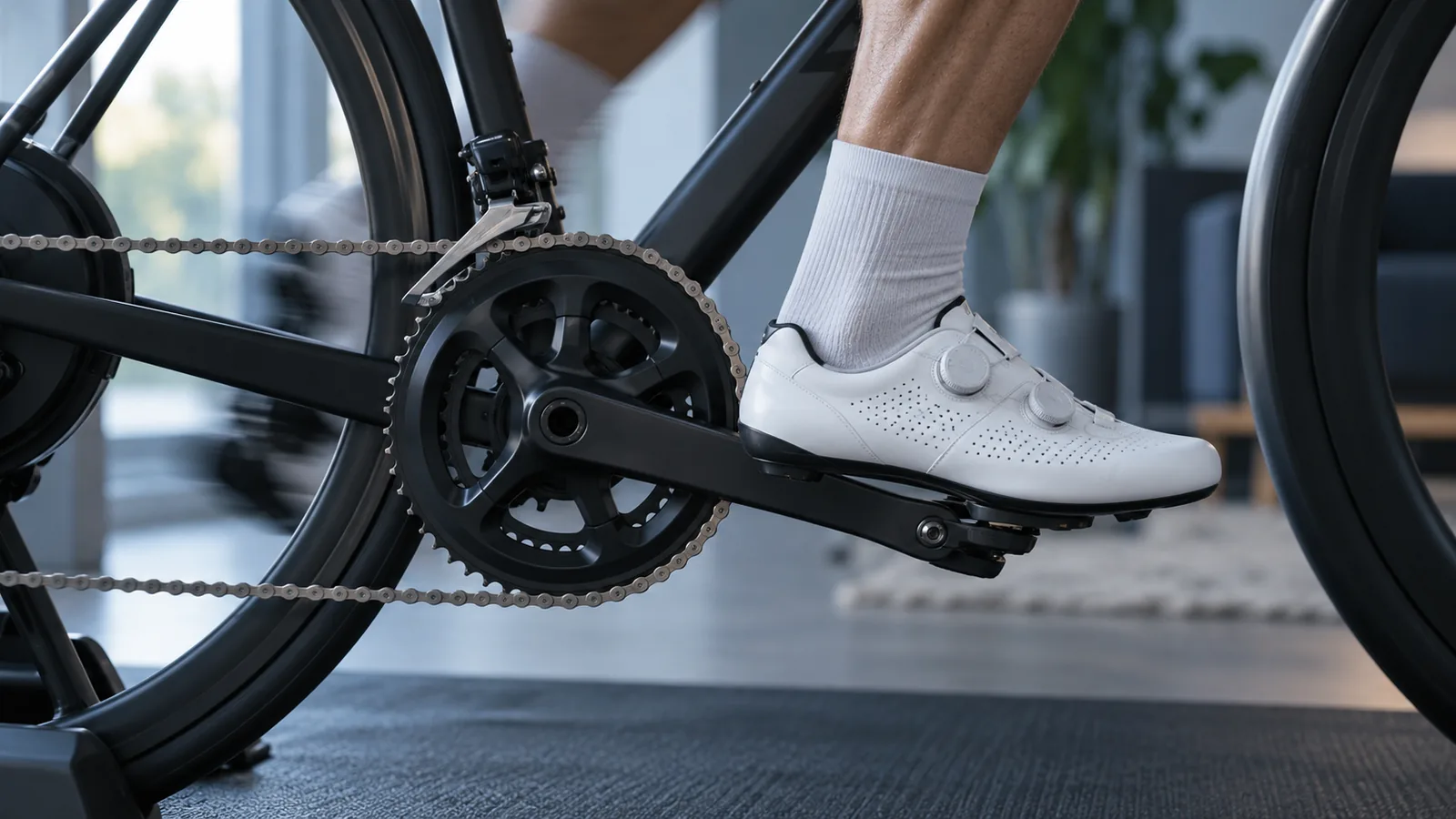
The first time your trainer changes resistance by itself, it can feel brilliant. The first time it gets harder because you slowed down, it can feel like the thing has developed a grudge.
That second experience is usually a clue about ERG mode. Once you know what it is trying to do, the strange bits make sense. You can stop wrestling the wattage number and settle into the ride.
ERG mode holds a power target
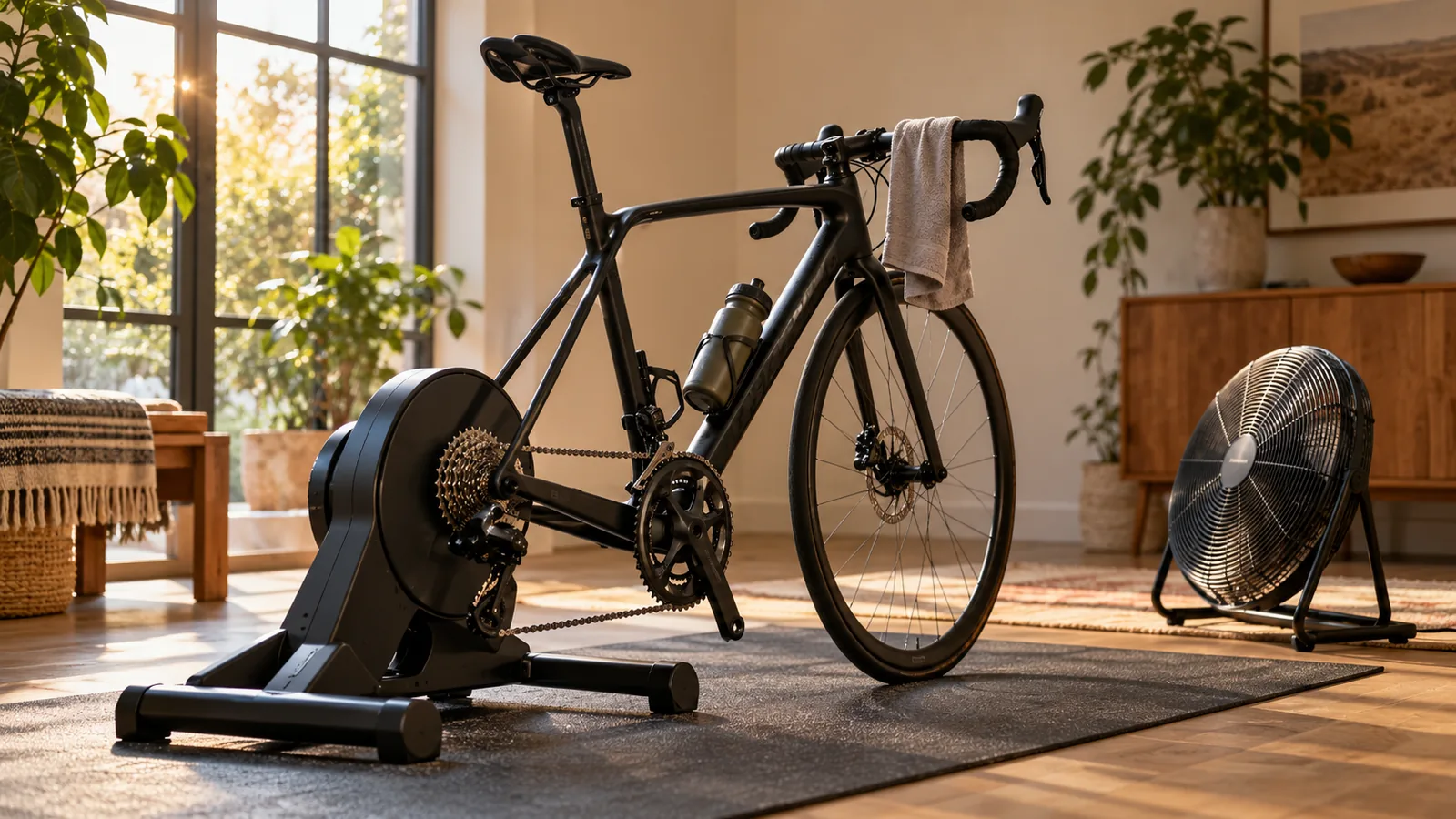
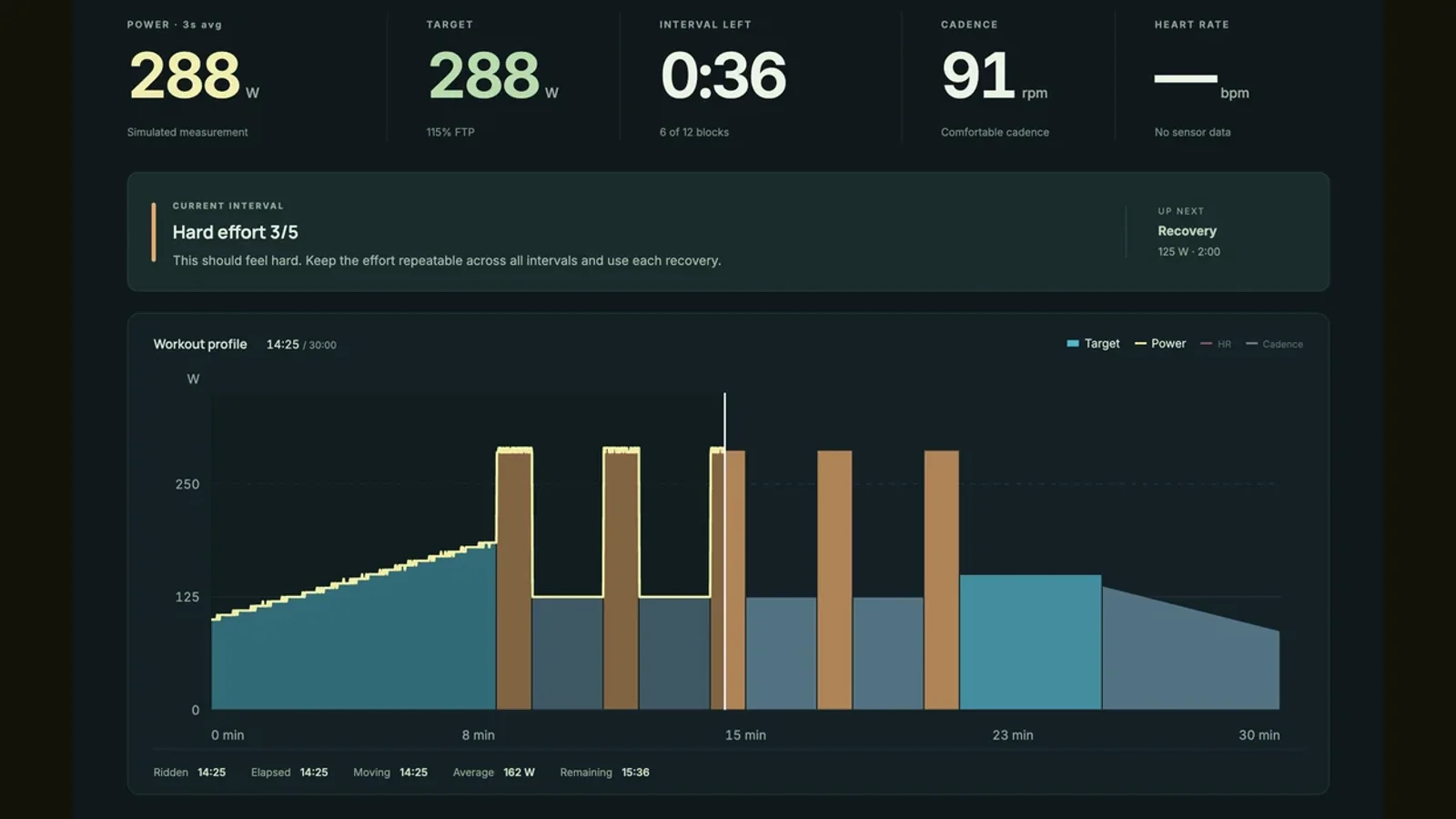
ERG mode lets a compatible smart trainer adjust resistance to keep you near a chosen power output. The workout supplies the target in watts. You supply the pedalling. It is useful when the session asks for a steady effort and you would rather concentrate on completing it than constantly changing gears.
Imagine a target of 150 watts. If your cadence falls, each pedal stroke needs to do more work, so resistance rises. If cadence increases, the trainer can reduce resistance while keeping power near the same target. Your legs still choose the cadence; ERG does not turn the pedals for you.
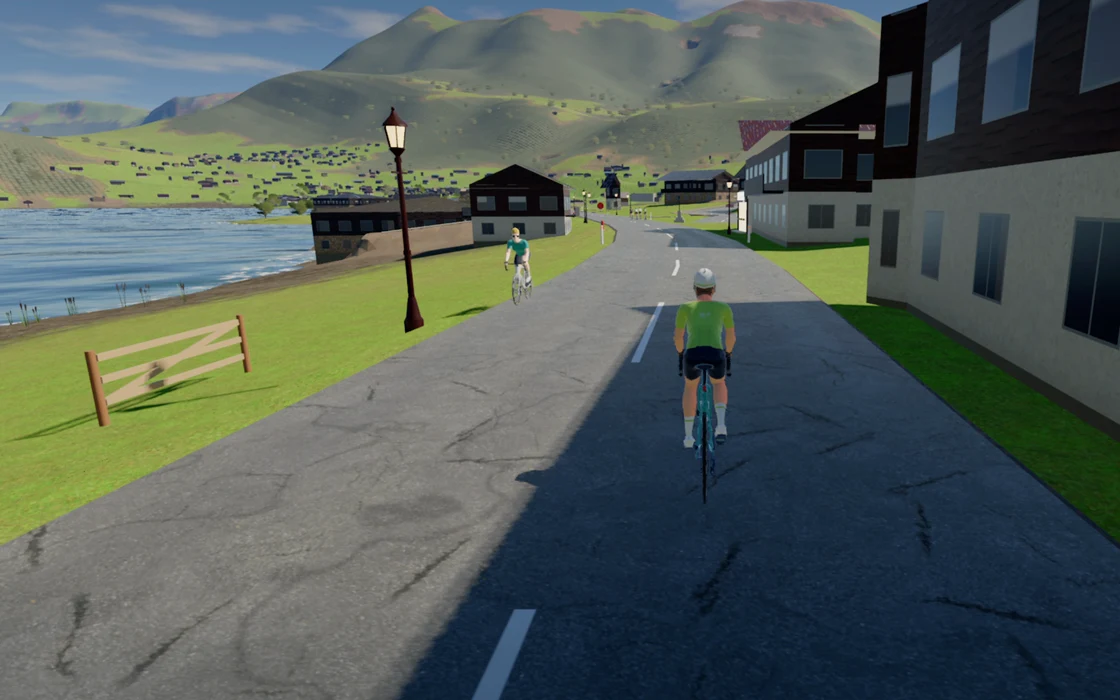
This is different from simulation mode, where the virtual road helps determine resistance. During an ERG interval, a hill on the screen does not normally mean a harder target. The workout is in charge.
Choose the mode for the ride you want
Think about the job before choosing the switch. A controlled interval and an exploratory climb can both be good rides, but they ask different things from the trainer. Neither mode is a badge of seriousness.
For a first experiment, choose an easy workout you already feel comfortable completing. Learn the controls there. A maximal effort is a frustrating place to discover where the pause button lives.
| Your plan | A useful starting point | What you control |
|---|---|---|
| Follow prescribed power intervals | ERG | A steady cadence and whether the target is appropriate |
| Feel the changes in a virtual road | Simulation | Gears, cadence and effort as the terrain changes |
| Practise pacing without automatic power control | Manual or resistance mode, where offered | Your own effort against the selected resistance |
Find a quiet gear, then leave it alone
Start with a gear that gives a reasonably straight chain and a quiet drivetrain. TrainerRoad recommends avoiding unnecessary shifting in ERG because each change makes the trainer readjust. For most of the workout, your usual cadence is a better thing to watch than your gear.
There is a useful exception. If a recovery interval stays above its low target even though you have eased off, you may be hitting the trainer’s minimum controllable resistance at that flywheel speed. An easier gear can lower that floor. Hardware differs, so follow the manufacturer’s guidance rather than insisting on one universal chainring choice.
Why the pedals suddenly feel impossible
The familiar ERG spiral starts when cadence drops, resistance rises to preserve the target, and that extra resistance makes cadence drop again. It is a feedback loop, not proof that you have forgotten how to ride.
Do not try to rescue an unmanageable interval by grinding harder and harder. Pause the workout or leave ERG using the app’s controls, then follow your trainer’s restart guidance. Wahoo advises stopping pedalling to let its trainer release resistance. Other combinations have their own recovery behavior.
If it keeps happening, lower the target or choose an easier session. Check the FTP setting if the workout scales its targets from it. A number copied from an old test, another app or a hopeful guess can make an ordinary interval unnecessarily difficult.
Give each change a moment to settle
When an interval changes, resist the urge to sprint at the new number immediately. Keep your cadence reasonably even and give the trainer time to adjust. Its response is not instantaneous, and rapid changes in your pedalling add another moving part.
A little variation around the target is normal. The point is to complete the intended effort, not to draw a perfectly straight line. If the whole ride feels erratic, simplify the setup: one app controlling the trainer, a reliable connection, and an easy target you can use for troubleshooting.
For tests and very short efforts, follow the session’s specific mode instructions. Some tests deliberately remove automatic control so you can set the effort yourself. There is no useful rule that says every workout must use ERG.
How this applies to Everycol
Everycol supports ERG control for compatible Bluetooth trainers in its workout library. Trainer support depends on the exact device and protocol; Bluetooth on the box is not enough. Use Chrome or Edge on a supported computer and check the trainer’s advertised control capabilities.
ERG targets currently have a 600 watt application limit and must also fit the trainer’s own supported range. Training intelligence is a separate feature with account limited access. If your immediate goal is a scenic ride, choose the road and use simulation instead. You do not need to turn every visit into an interval session.
Your questions, answered
Should I change gears in ERG mode?
Usually, find a comfortable gear and keep it. An easier gear can help when a low recovery target falls below the trainer’s resistance floor. Follow the guidance for your trainer model.
Does ERG mode make you pedal at a fixed cadence?
No. You choose your cadence. The trainer adjusts resistance as cadence changes to keep you near the target power.
Is ERG mode better than simulation?
It depends on the session. ERG is useful for prescribed power intervals. Simulation is useful when you want the road profile and your gear choices to shape the ride.
Sources & useful reading
For compatibility and changing product details, go straight to the source.