TrainerRoad alternatives: do you need a new plan or a new ride?
Compare alternatives to TrainerRoad by separating training decisions from the riding experience, with questions to ask before moving your workouts.
There are two very different reasons to look for a TrainerRoad alternative. One is “I want someone else to decide what training I should do.” The other is “I know what workout I want, but I would rather look at something else while doing it.”
It is easy to mix those up and replace a useful training system when all you wanted was a more enjoyable ride. Start by separating the plan from the place where you execute it. That gives you a much better way to compare the options.
Name the job you want to replace
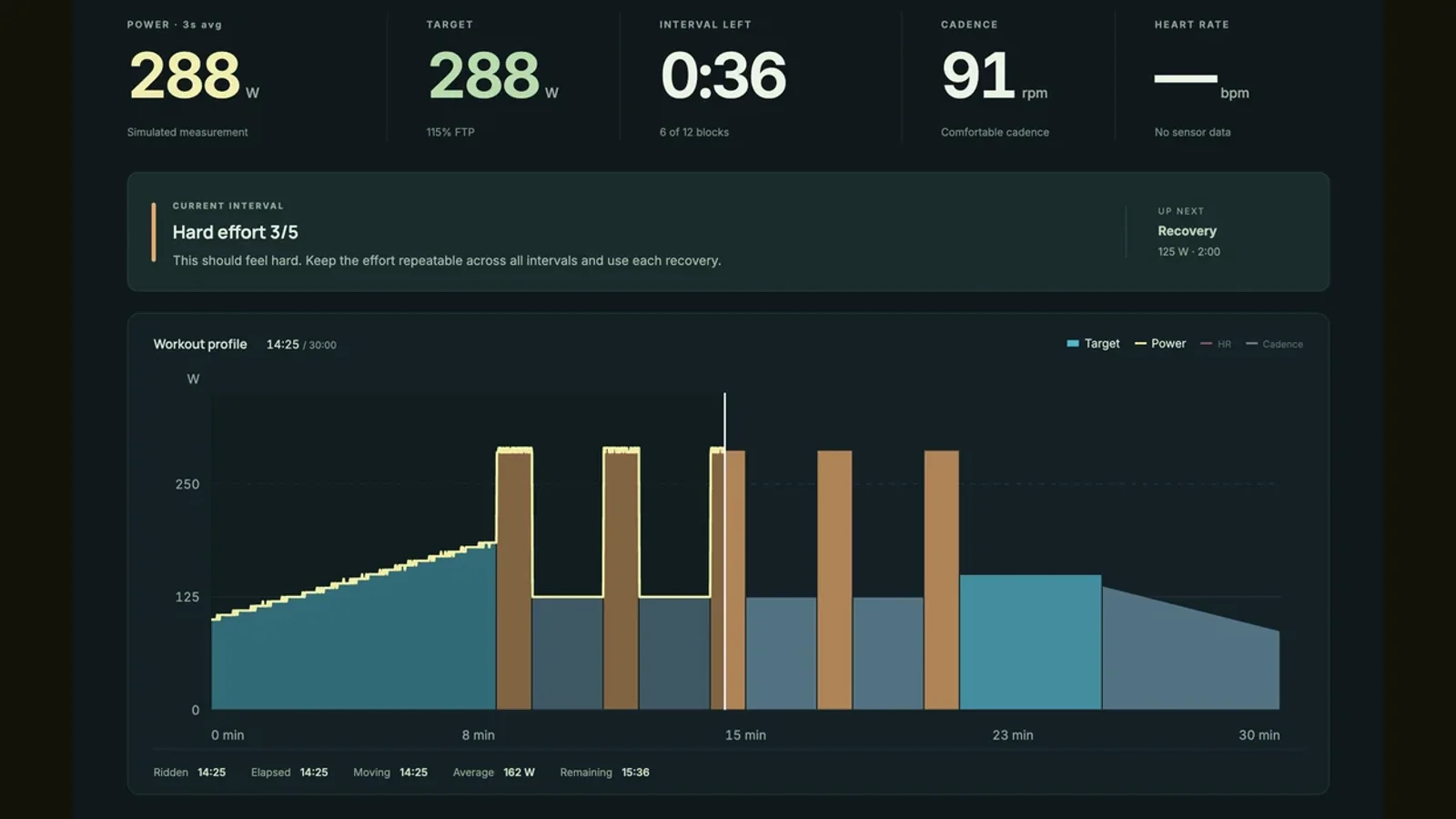
A workout player tells your trainer what to do during a session. A planning system helps decide which session belongs there. A route app gives the ride a setting and a reason to keep looking ahead. Some products do more than one job, but doing one well does not prove that they do the others the way you need.
Write down what you currently rely on: choosing workouts, adapting after missed sessions, managing an event goal, incorporating outdoor riding, or simply controlling ERG mode. Then mark what you are unhappy with. If the problem is the experience on screen, you may not need to replace all of the decisions behind it.
Use TrainerRoad’s current tools as the baseline
TrainerRoad’s documented offer includes Plan Builder, AI FTP Detection and daily recommendations. Its current AI tools also provide a four week simulation window with projected training changes and FTP trends. An alternative should be judged against the functions you use, not an old description of TrainerRoad as only a library of intervals.
You do not need every planning feature. But if you depend on a feature, write it into your comparison. “Has workouts” is not the same requirement as “adjusts future workouts when my schedule changes.” Being precise here stops an attractive new riding environment from concealing a gap you will notice later.
Zwift is worth a look if you want training inside a shared world
Zwift offers workouts alongside its virtual riding and events. Zwift Coach, part of its Plus offering, creates adaptive plans from your goals, availability and activity. That makes it a relevant comparison when you want planning and the wider Zwift riding experience together.
Evaluate the complete week rather than one impressive ride. Check where the recommendation appears, how you change it and how events or outdoor sessions fit. Also ask whether riding with other people is something you will use regularly or just a feature that sounds nice in a comparison table.
ROUVY is a different setting for the work
ROUVY combines filmed roads and virtual riders with a range of structured workouts. If your main wish is to have a destination to look at while pedaling, it belongs on the shortlist. Choose a workout you understand and see how the route experience feels alongside it.
Before treating it as a complete replacement for your existing training workflow, check the exact planning and workout integration features you need. A broad workout catalog can be useful without being interchangeable with the system that selected your next session. The right question is whether the new workflow covers your actual requirements.
Wahoo SYSTM: consider the rest of your training week
Wahoo SYSTM offers video workouts and structured cycling sessions alongside strength, yoga and other training. Wahoo describes the broader app workflow as the place for recommendations and planning, with SYSTM delivering the sessions. That is a relevant alternative if you want guidance beyond the bike as well as something engaging on screen.
Use your normal week as the test. Would you actually follow the strength or yoga sessions? Do you enjoy guided video workouts? Can you find and adjust the cycling work you need? Check the current membership tier and how the Wahoo and SYSTM apps fit together. A wider library only adds value if it serves activities you want to do.
Everycol fits riders who want routes and workouts in a browser
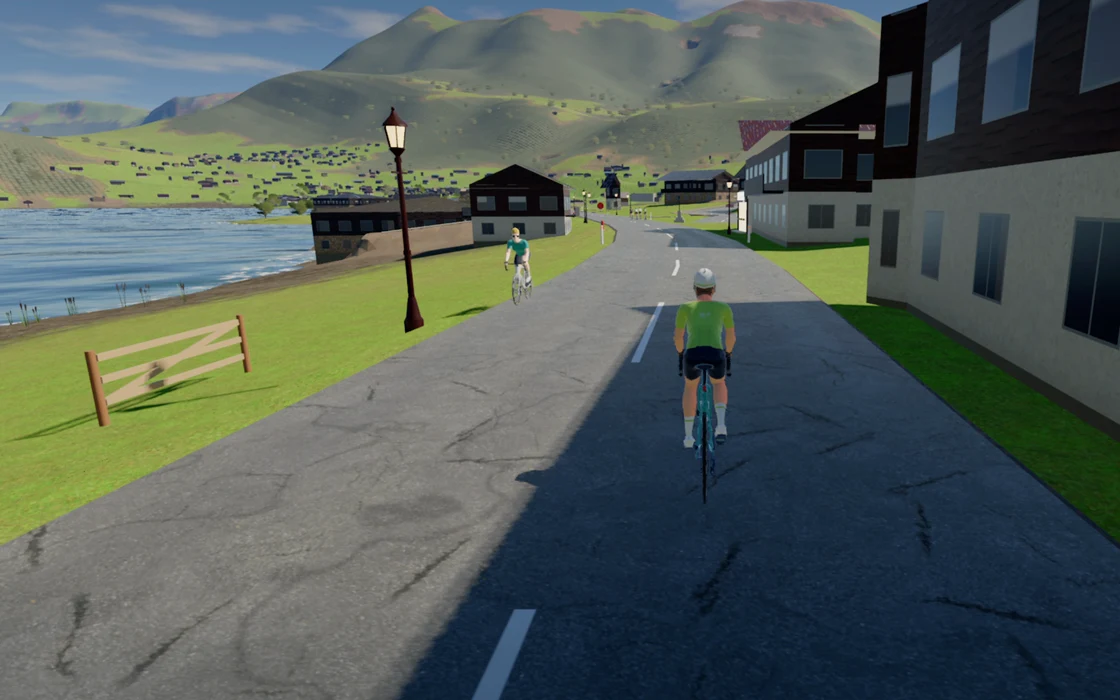
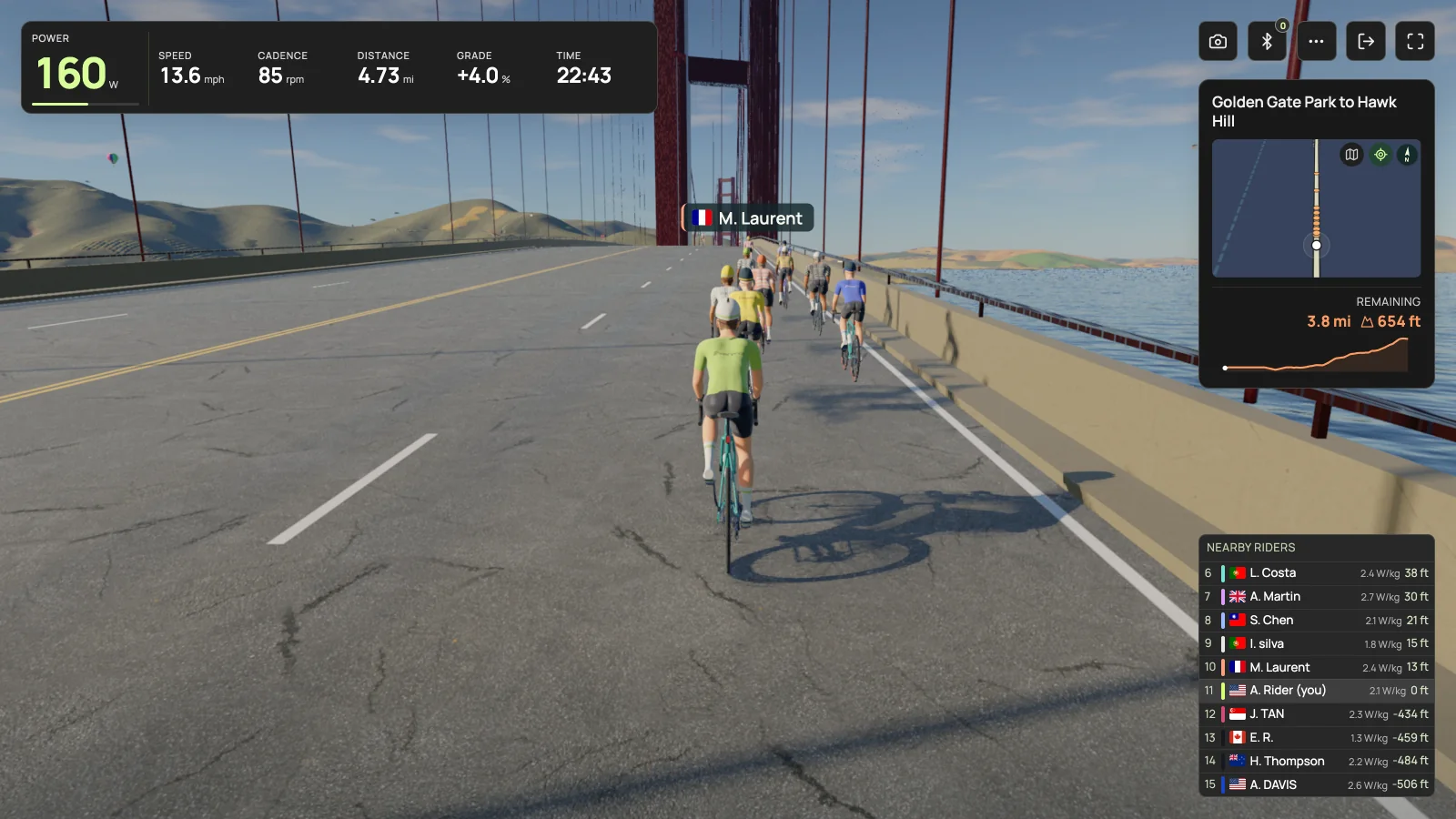
Everycol offers rendered routes, a workout library and saved activities. If you would like a real road climb to give a ride some shape, or want to explore a browser based riding experience, that is a concrete reason to try it.
It is not responsible to promise an identical replacement for TrainerRoad’s training system. Everycol’s training intelligence is account gated, and the underlying model is a prototype. Evaluate what your account actually includes. Connected riding also requires a supported Bluetooth desktop in Chrome or Edge, using FTMS or supported Tacx FE-C over Bluetooth; hardware coverage is still being validated.
Run the “messy week” test
A perfect training week makes almost every plan look sensible. A realistic week is more revealing. Imagine that Tuesday’s session gets cut short, Thursday is unexpectedly free and Saturday becomes a longer outdoor ride. Look at what each app lets you do next.
You are checking how understandable and manageable the workflow is, not trying to diagnose the quality of a training algorithm from a screenshot. A suggestion should make enough sense that you can decide whether it fits your day. For individualized coaching judgments or a complicated event build, a qualified coach can provide a kind of context an app comparison cannot.
| Question | Why it matters |
|---|---|
| Can I change the time I have today? | A useful plan needs to fit the week you actually have. |
| What happens after an outdoor ride? | Your training is not limited to one app. |
| Can I understand and adjust the next session? | You need a workable decision, not just a recommendation. |
| What history and exports do I keep? | Switching should not make your records unexpectedly inaccessible. |
Change one layer at a time
If you already have a plan that suits you, test a different riding environment before replacing the plan itself. Verify any official integration or workout import you intend to use. If two apps are involved, understand which one controls the trainer and whether you need two memberships.
If the plan is the problem, compare planning workflows first and scenery second. Check current prices and terms at checkout. You are allowed to choose the quieter, simpler screen if it gets you riding, and you are equally allowed to want a mountain road ahead. The useful choice is the one that solves the problem you started with.
Your questions, answered
Is a workout library the same as an adaptive training plan?
No. A library provides sessions to choose from. An adaptive planning system also makes or changes decisions about which sessions fit your training. Check the actual features you need.
Does Zwift now offer adaptive training?
Yes. Zwift documents adaptive plans through Zwift Coach in its Plus membership. Check current availability and terms for your account.
Can Everycol replace all of TrainerRoad?
Do not assume that. Everycol provides rides and workouts; its training intelligence is account gated and remains a prototype. Choose it for the experience and features available to you.
Sources & useful reading
For compatibility and changing product details, go straight to the source.