Zwift alternatives: choose what you want to feel different
Looking beyond Zwift? Compare alternatives for structured training, scenic routes and browser riding, then check hardware and switching costs.

Searching for a Zwift alternative usually means something specific. Maybe you love your trainer but do not care about racing. Maybe you want a road that feels like somewhere you would go on holiday. Maybe you are simply curious whether another app would make indoor riding click.
Those are different problems, and they deserve different shortlists. Before moving subscriptions or changing hardware, finish this sentence: “I want my indoor rides to have more…” Then use the answer to choose what you try next.
Separate a new app from a better routine
If the problem is that every ride turns into an unplanned hard effort, another app alone may not solve it. If your setup takes too long, a new world will not move the laptop closer to your bike. Identify the part you want to change so you can tell whether an alternative actually helps.
Make two short lists: what you want to keep and what you want to leave behind. Friends, familiar controls or a favorite weekly event may belong on the first list. Scenery, the way workouts are chosen or subscription cost may belong on the second. That makes the tradeoff clearer than asking which app is universally best.
Want more help deciding how to train? Look at TrainerRoad
TrainerRoad is worth evaluating when planning is your main concern. It documents a goal based Plan Builder, AI FTP Detection and recommendations, plus a calendar simulation that responds to training changes. The interesting question is whether you prefer that training workflow.
Do not evaluate it only by the workout screen. Enter realistic availability, look at the next few sessions and check how you would handle an outdoor ride or a missed day. You are considering a system for organizing training, so give the planning tools as much attention as the ride itself.
Want to look around real places? Try ROUVY
ROUVY uses road footage with virtual riders and route information. It also has workouts. If the scenery is the reason you are browsing alternatives, choose a destination that interests you and see whether the filmed experience holds your attention for a normal session.
The appeal is personal. Some riders want the road ahead to look like a place they could visit; others prefer the freedom and visual style of a rendered world. There is no need to turn that preference into a technical argument. Watch it on the screen you will use, while pedaling, and see which experience you want to return to.
Looking at cost? Check MyWhoosh and the access you already have
MyWhoosh is an obvious contender when you want virtual riding without paying for core ride access. Its current registration advertises riding without a subscription, and the platform includes routes, training and events. Some optional custom workout and coaching features use paid plans, so check the particular tools you want instead of assuming every feature is free.
TrainingPeaks Virtual deserves attention if you already have TrainingPeaks Premium: Virtual is included, and your calendar workouts sync into it. That can make it a more useful alternative than buying a separate platform to do the same scheduled sessions. It also has group rides and racing. Try the events you would join and check your hardware, especially any controller or virtual shifting requirement.
Neither option needs to win a feature count. MyWhoosh gives you a concrete way to test whether you enjoy virtual riding without a core riding fee; TrainingPeaks Virtual may consolidate a workflow you already use. Those are strong reasons to try them before making a new annual commitment.
Want to explore rendered roads in a browser? Try Everycol
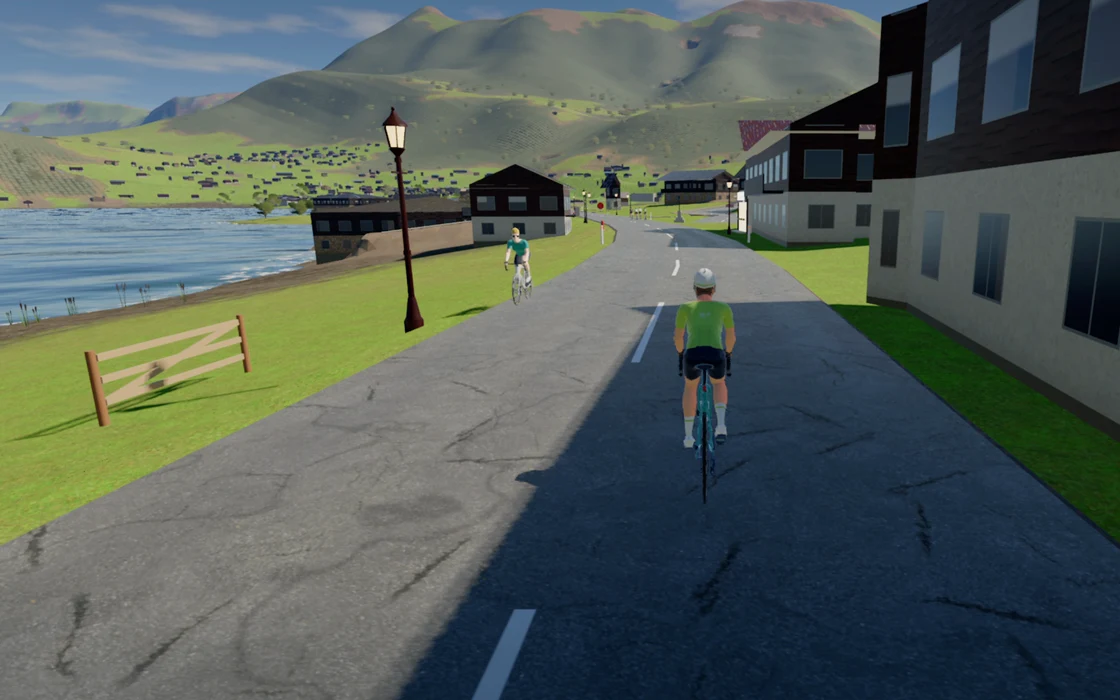
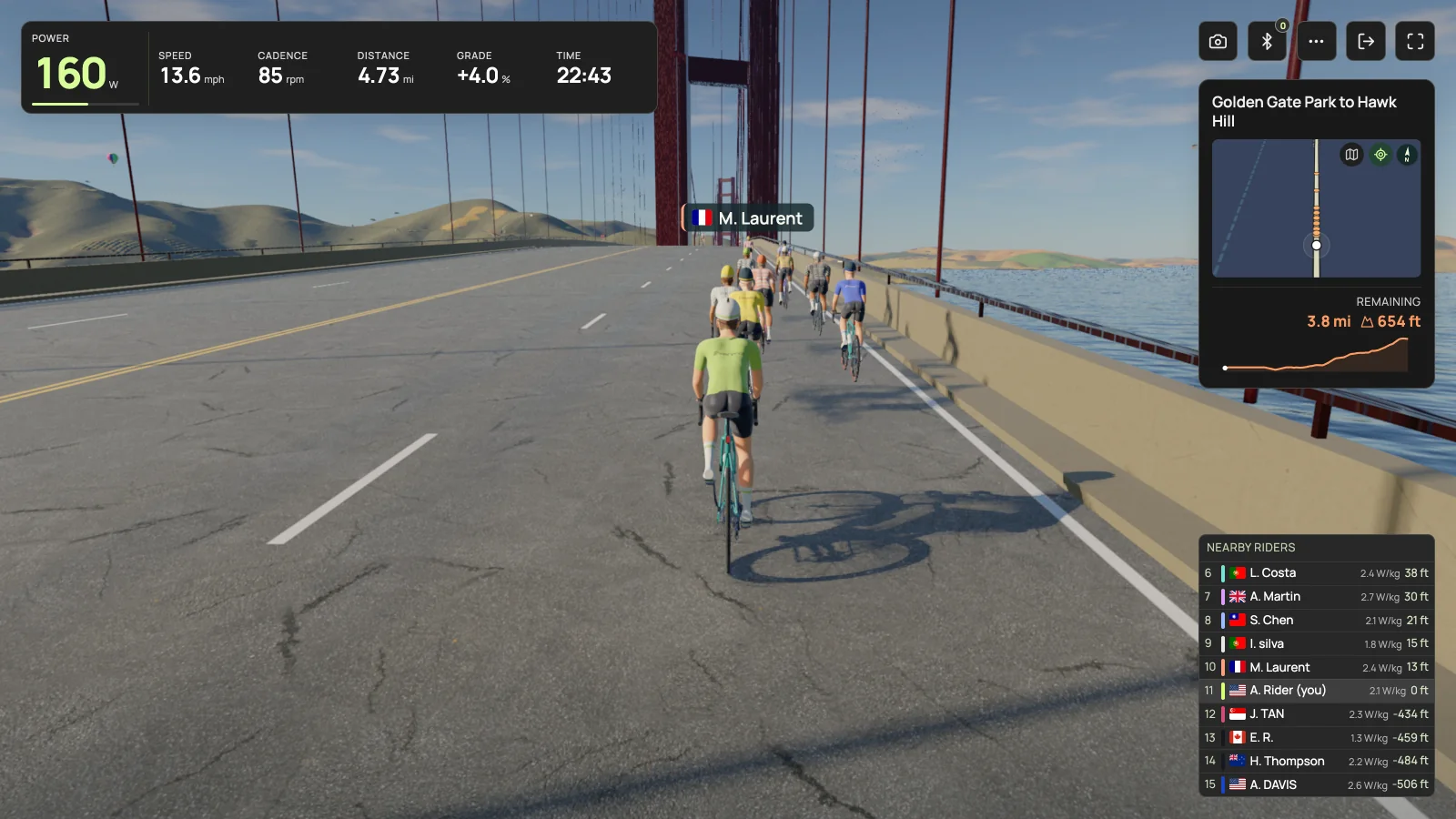
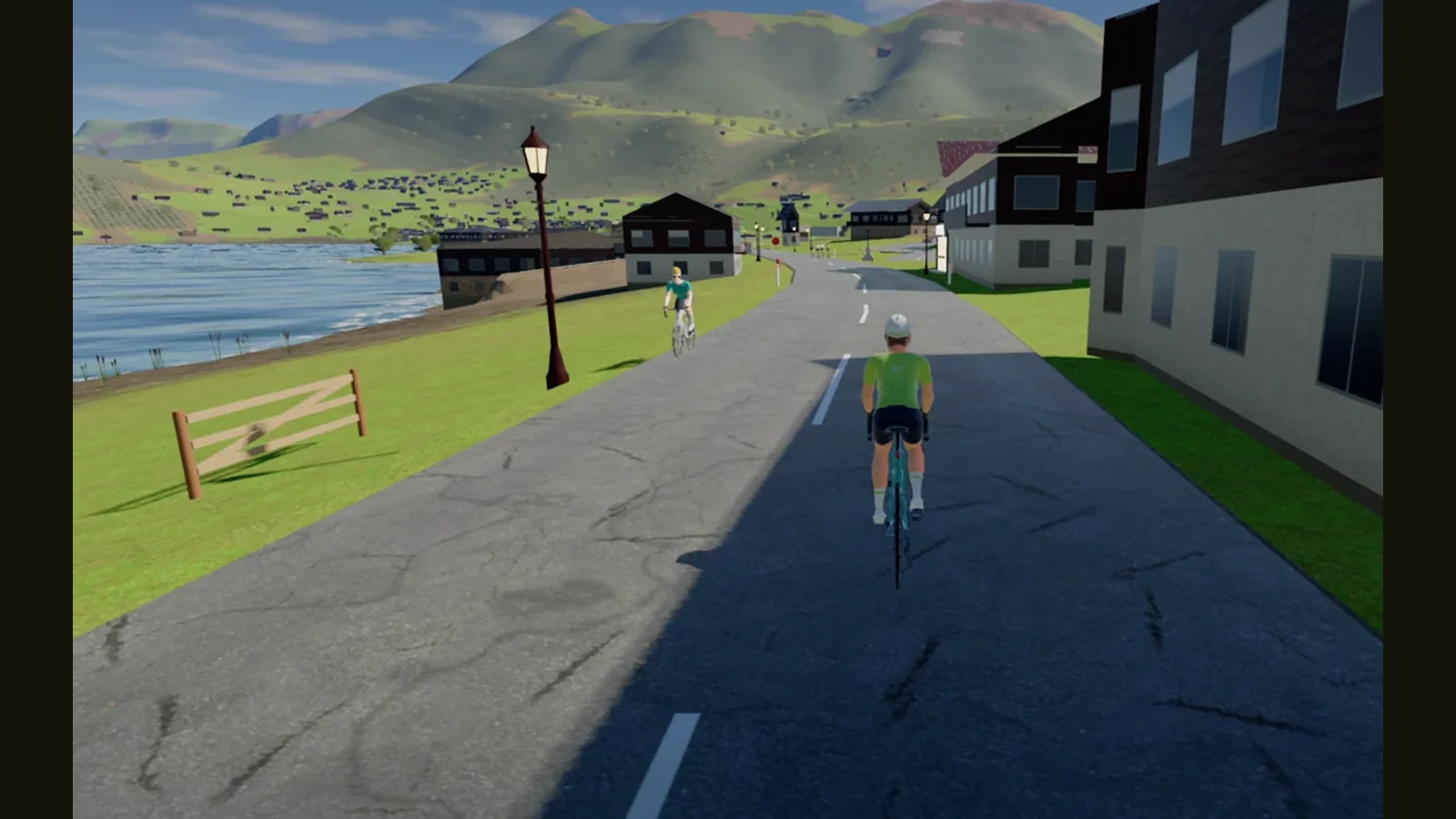
Everycol is our answer for riders who want to explore a 3D road environment from the browser. The route catalog includes real climbs such as Alpe d’Huez and Galibier from Valloire, alongside other places to ride. Start by browsing the routes and seeing whether one makes you want to get on the bike.
Check the practical limits before planning a switch. Trainer pairing needs Chrome or Edge on a supported Bluetooth desktop, with FTMS or supported Tacx FE-C over Bluetooth. Hardware validation remains limited. There is no ANT+ USB or Zwift Click virtual shifting support, and training intelligence is account gated. Those details matter more than a screenshot if they affect your setup.
Check whether the thing you want is already in your current app
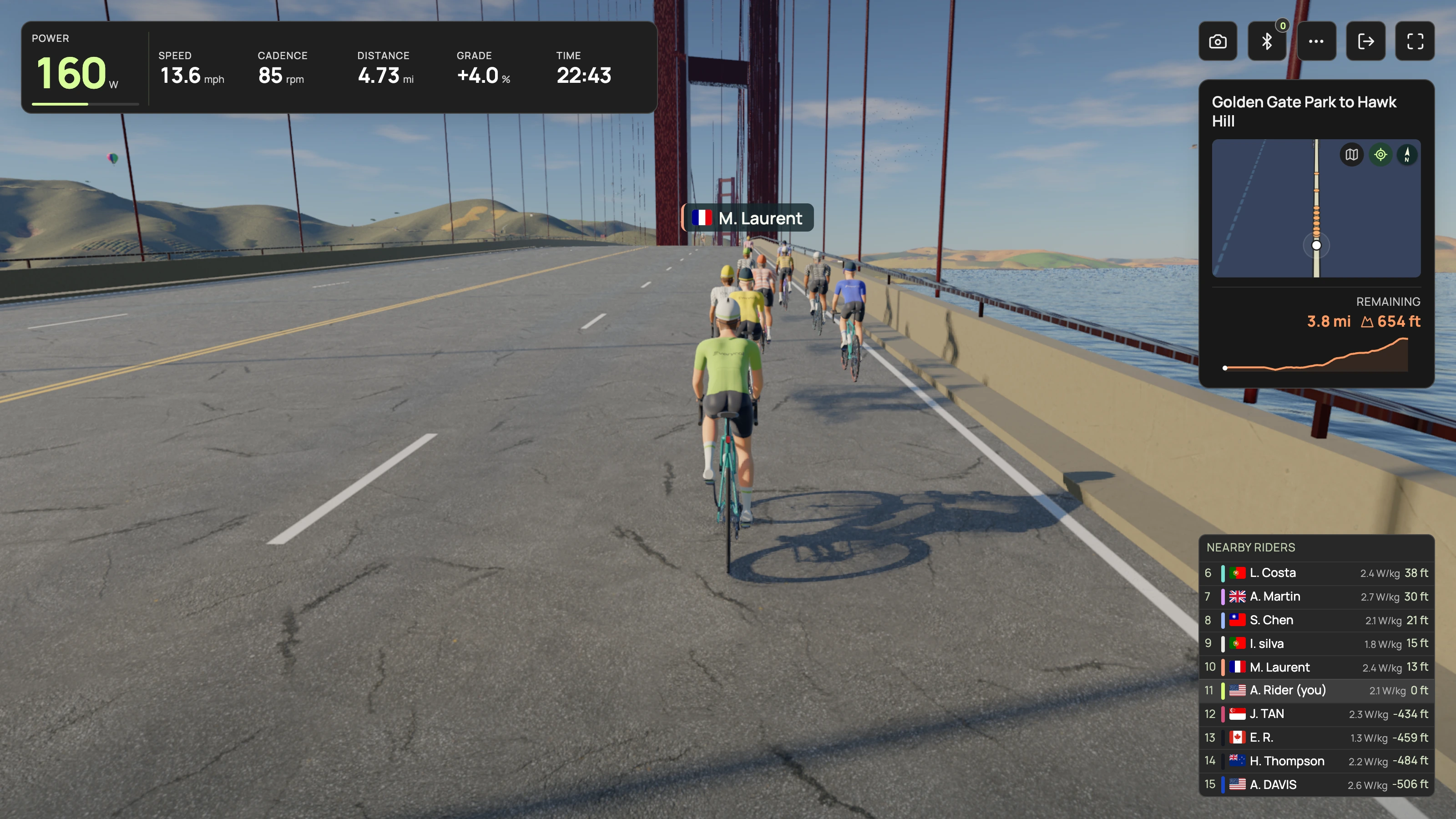
This is a comparison published by Everycol, but the useful answer is not always “switch.” Zwift now documents adaptive training through Zwift Coach and filmed riding through Zwift Video in its Plus membership. Old articles that present those as entirely absent can send you toward an unnecessary change.
If you already enjoy Zwift and want only one additional feature, compare the relevant membership and workflow against a new app. If your friends and regular events are the best part of your week, give that real weight. Recreating a social habit can be more work than learning a new menu.
Check the parts of your setup that do not automatically transfer
Keep access to any records you need before canceling an account. Read the destination app’s import and integration instructions rather than assuming that a file or subscription transfers. If you use two apps, confirm which one will control the trainer and avoid competing resistance commands.
- Virtual shifting: confirm your trainer, controller, firmware and new app together.
- Devices: check the actual operating system and connection method, not just the brand name.
- Activities: verify the export or sync path you use to keep your ride history.
- Workouts: check whether your existing plan or workout format can be used in the new workflow.
- People: look for the rides and groups you would actually join.
Use three rides to make the decision
Try an easy ride first, then the session that made you look for an alternative, then a repeat on an ordinary day. That third ride matters. The first one has novelty on its side; a repeat tells you more about whether the experience fits your routine.
Write down one sentence after each session: what was better, what was harder and what you missed. Check the current regional renewal price and terms before subscribing. You can like an app and still decide that the switching cost is not worthwhile. You can also enjoy two different ways of riding without forcing one app to be everything.
Your questions, answered
Which Zwift alternative is best for real scenery?
ROUVY is worth considering for filmed roads. Everycol offers rendered 3D roads, including real route locations. Try the visual format you prefer on your own screen.
Can I keep using my Zwift Click in another app?
Only if that exact app and hardware combination supports it. ROUVY publishes compatibility details; Everycol does not currently implement Zwift Click virtual shifting.
Is it worth switching just for adaptive training?
Compare the actual planning workflows first. Both TrainerRoad and Zwift Coach document adaptive features, so the decision should be about how they fit your training and membership.
Sources & useful reading
For compatibility and changing product details, go straight to the source.
- TrainerRoad: training app features
- TrainerRoad: how its AI training works
- ROUVY: how virtual routes work
- Zwift: Coach and Video in Zwift Plus
- Zwift: using Zwift Coach
- Zwift: compatible trainers and virtual shifting
- ROUVY: supported trainers
- MyWhoosh: free riding registration
- MyWhoosh: free custom workout slots
- TrainingPeaks Virtual: features and Premium access