ROUVY alternatives: real video or a rendered world?
Explore alternatives to ROUVY by comparing filmed routes, rendered roads, training workflows and the hardware details that matter before switching.
If you are looking for a ROUVY alternative, there is a good chance that the road on screen matters to you. You want somewhere to go while the bike stays put. The useful question is what kind of “somewhere” keeps you interested.
A filmed road and a rendered road can both be enjoyable, but they feel different. Rather than ranking them by how “real” they are, compare the details that affect your ride: the route, the view, the resistance, the device and the reason you will come back.
Decide which part of the scenery you value
ROUVY’s route experience combines real road footage with virtual riders and route data. If seeing an actual destination is the draw, filmed routes may be exactly what you want. If you are looking for a different visual style or the feeling of moving within a 3D scene, a rendered environment is worth trying.
Neither format reproduces everything about riding outdoors. Your fan does not know the mountain wind, and your trainer cannot reproduce a corner’s handling. Treat the screen as a way to make the session engaging and the route as useful context, rather than asking one format to prove that it is the real thing.
Everycol: explore real roads as a rendered environment
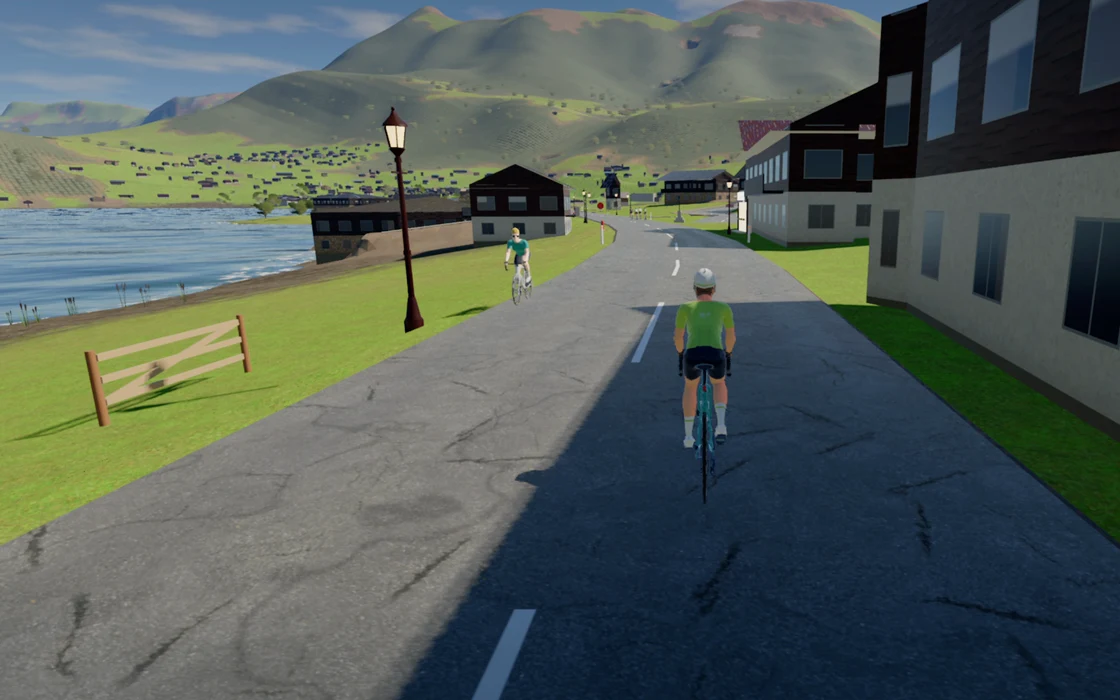
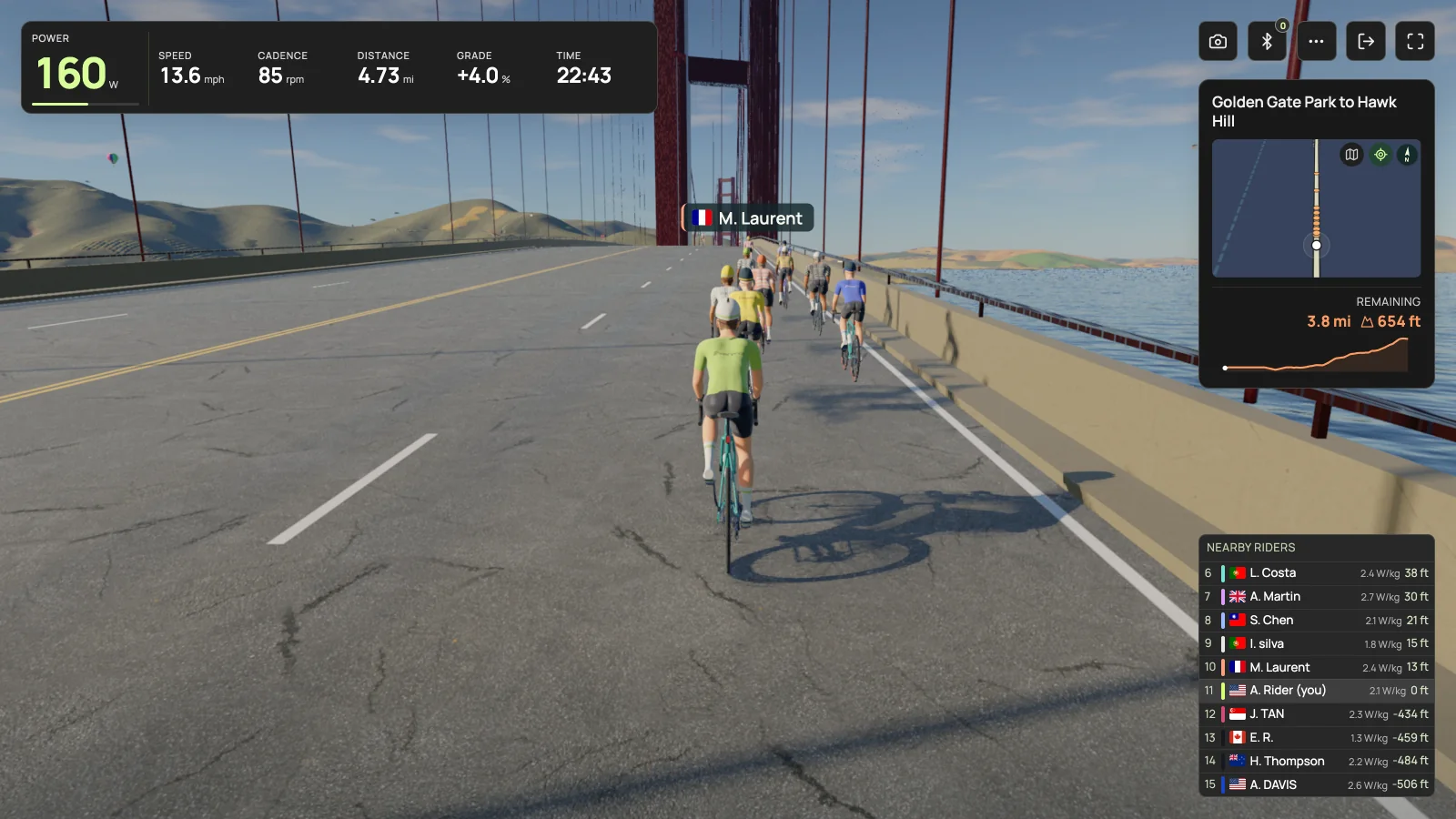
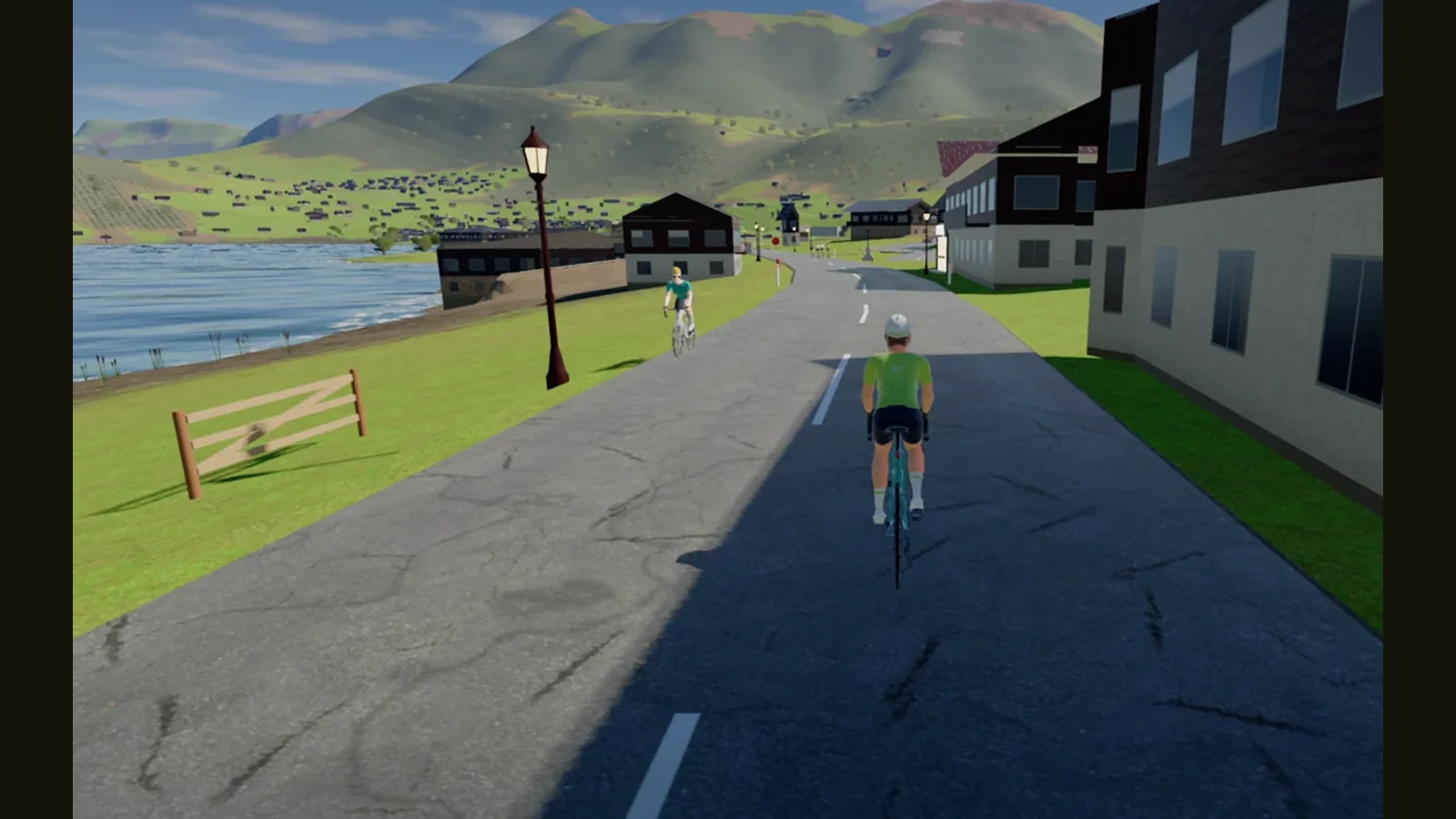
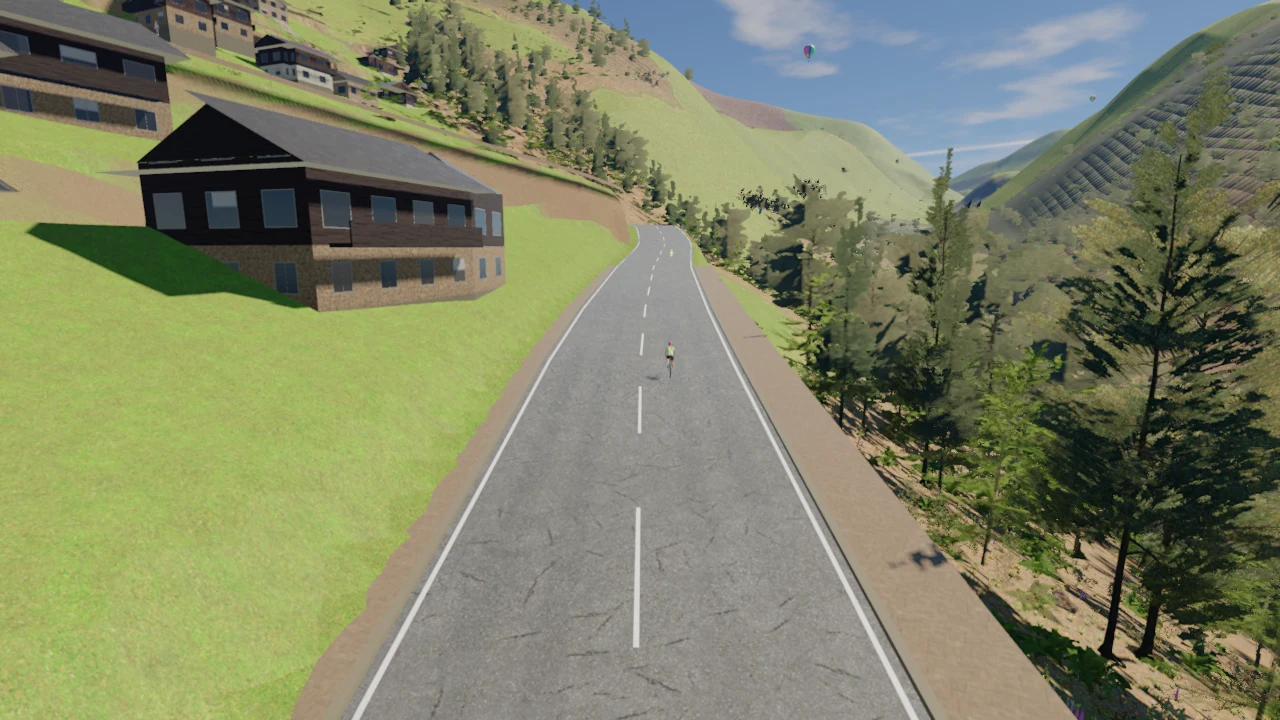
Everycol renders its roads and scenery in 3D in the browser. Its route catalog includes Alpe d’Huez, Galibier from Valloire, rides around San Francisco and other locations. The reason to try it is simple: you want to see whether that style of exploration makes a familiar indoor session more appealing.
Begin with a route that fits the time you have. You do not need to choose the longest climb to judge the experience. Look at the road ahead, the clarity of the ride information and whether you can comfortably manage the session from the bike. Those details matter more than a dramatic still image.
Zwift: consider the shared world and the newer video option
Zwift is relevant if you want its virtual world, events or group riding. It also offers Zwift Video through its Plus membership, alongside Zwift Coach. That means a current comparison should not present Zwift as a product that can only show rendered scenery.
Choose the feature you would actually use and try it directly. If you are moving for social riding, investigate the events and people. If you are moving for filmed destinations, compare those routes and the membership that includes them. The reasons may overlap, but they are still different tests.
TrainerRoad: a different priority, rather than another landscape
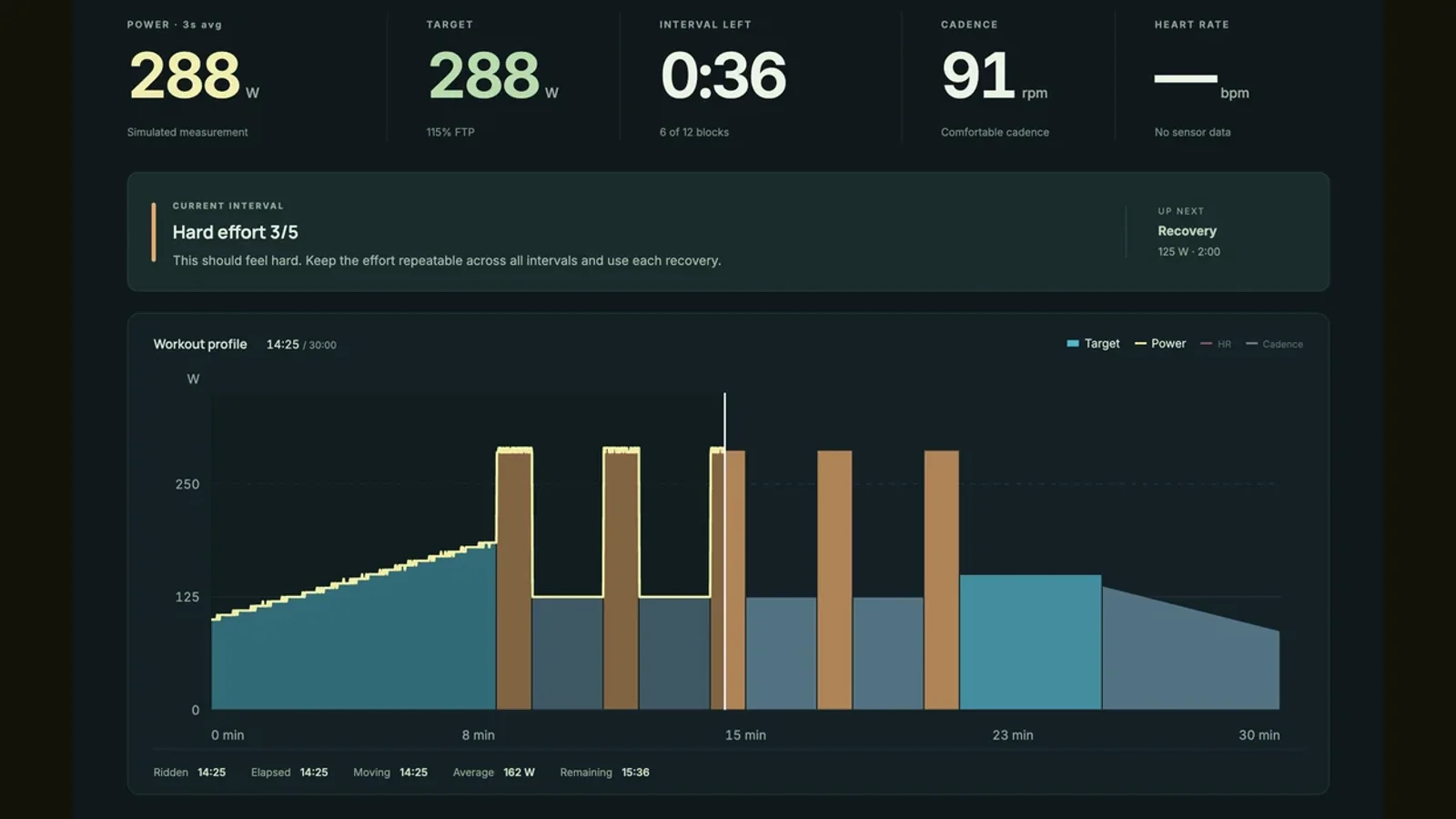
TrainerRoad belongs in the comparison when you want training decisions to take the lead. Its offer centers on a plan, training recommendations and fitness related tools. If your real concern is uncertainty about what to do each day, the route format may be a distraction from the more important decision.
On the other hand, if a favorite destination is what gets you onto the bike, do not dismiss that motivation because a planning tool looks more serious. A useful app has to fit both the job you want done and the way you prefer to spend time on the trainer.
Compare the same kind of ride, not two highlight reels
Pick a familiar session: perhaps a sustained climb or an easy rolling route. Compare the start and finish points, distance, elevation profile and resistance settings. Two routes with the same mountain name may begin in different towns or include different approaches, so their totals need not match.
Do not use the finishing time as a verdict on which app is more accurate. Virtual speed can depend on the app’s physics, rider settings and route definition. Use the comparison to judge readability, comfort and enjoyment. If you want to monitor your own effort across platforms, understand the power source and calibration rather than relying only on virtual distance.
Verify the hardware before moving the habit
ROUVY maintains a trainer directory with model specific connection and virtual shifting details. Check the destination app just as carefully. A setup that works well in one application does not prove that the same control buttons or connection path will work elsewhere.
Everycol uses Chrome or Edge on a supported Bluetooth desktop. FTMS and supported Tacx FE-C over Bluetooth are implemented, with limited model specific hardware validation. ANT+ USB and Zwift Click virtual shifting are not available. If you ride with a single sprocket and depend on virtual gears, resolve that limitation before you plan a switch.
Keep the decision small enough to test
Try one route, repeat it, then try a different type of session. Check the experience on your actual internet connection and screen rather than judging from promotional video. Make sure you know how to pause, stop and save the ride. Check any activity sync or export that matters to you.
Finally, compare the current price and renewal terms in your region. There is no prize for moving everything on the first evening. If ROUVY already gives you the rides you look forward to, staying is a perfectly useful outcome. If a rendered road or a different training workflow makes you want to ride again, that is a good reason to explore it.
Your questions, answered
Does Everycol use filmed road video?
Everycol uses rendered 3D roads and scenery. The images of gameplay in this guide show that rendered experience, not footage recorded while riding outdoors.
Why do the same climbs have different distances in different apps?
Start points, finish points, approach roads and route processing can differ. Compare the actual route definitions before treating two totals as measurements of the same segment.
Should I switch if I mainly want workouts?
First check what your current app already supports. ROUVY offers structured workouts. If you need a different planning system, compare that workflow separately from the scenery.
Sources & useful reading
For compatibility and changing product details, go straight to the source.