Zwift Cog and Click compatibility: check the whole setup
Understand what Zwift Cog and Click do, why power and virtual shifting are separate, and what to check before using them with another app.
A trainer bundle with Zwift Cog and Click can look wonderfully simple: mount the bike, use the buttons and ride. The confusion usually arrives when you want to try another app. Will the trainer connect? Will the buttons work? Can you still change gears?
Those are three separate questions. The useful answer is not that everything works everywhere, or that the hardware can only ever work with one app. You need to check the trainer, controller, firmware and app as a complete combination.
Cog and Click do different jobs
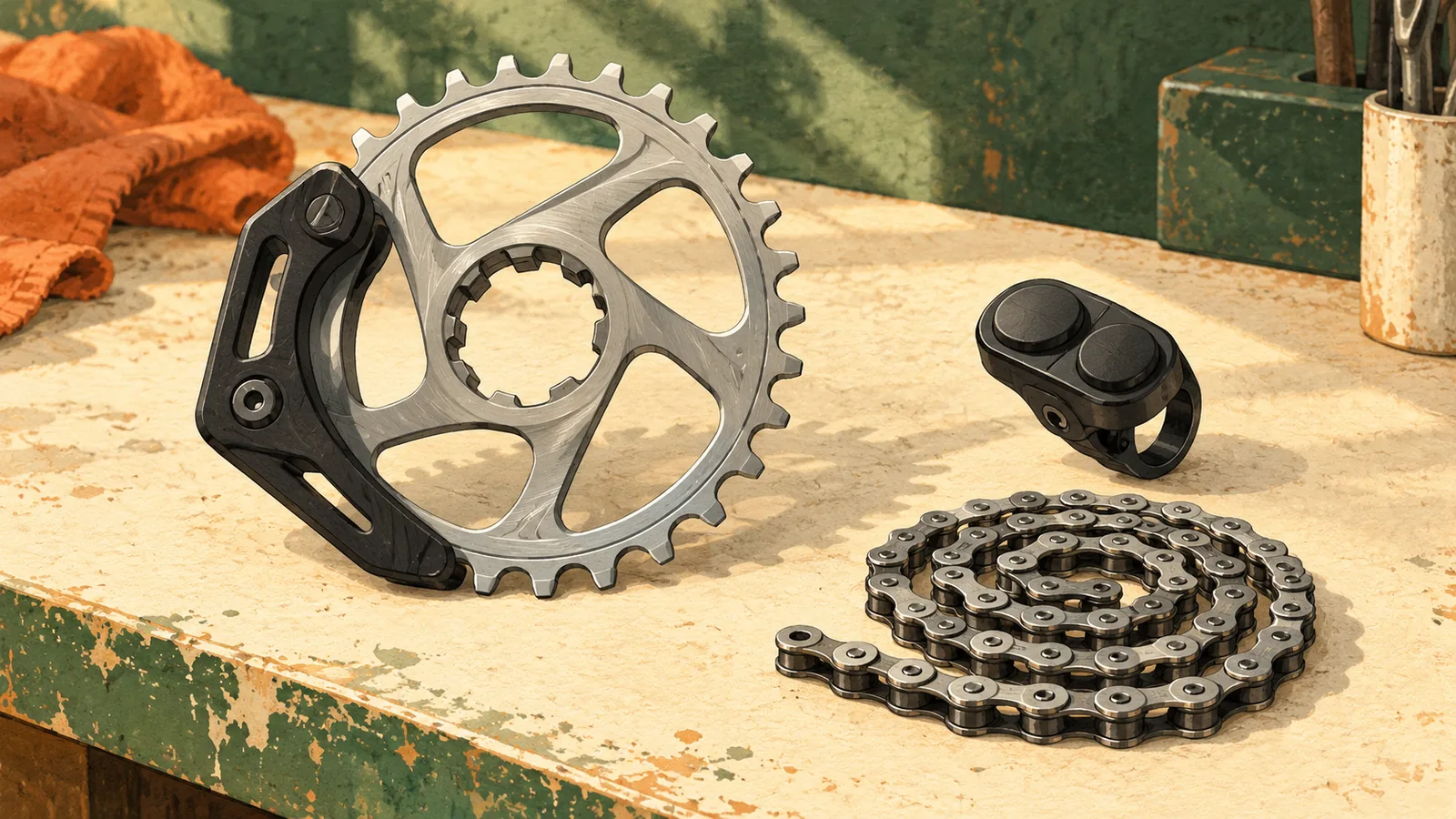
Zwift Cog replaces a trainer cassette with a single sprocket. Zwift Click is the wireless handlebar control used for virtual shifting on a compatible setup. Instead of moving the chain between several rear sprockets, the system changes the simulated gearing through the trainer and app.
That distinction matters when reading a compatibility claim. The Cog fitting mechanically does not prove that the buttons are recognized. The buttons pairing does not prove that the trainer supports virtual gears. And power appearing on screen does not prove either of those things.
Run four checks before buying or switching apps
Write down model names and versions rather than relying on a broad family name such as KICKR. Save the relevant support pages before checkout. A retailer can help confirm what is in the box, while the app’s current documentation should settle what the software supports.
| Check | What you need to establish |
|---|---|
| Mechanical fit | The bike, drivetrain and Cog installation are supported by the manufacturer. |
| Trainer support | The exact trainer model and firmware support the app’s required connection and control features. |
| Controller support | The exact Click, Play or Ride controller is recognized by that app. |
| Connection and mode | Virtual shifting works over the selected connection and in the riding mode you intend to use. |
For Zwift, use its exact supported combination
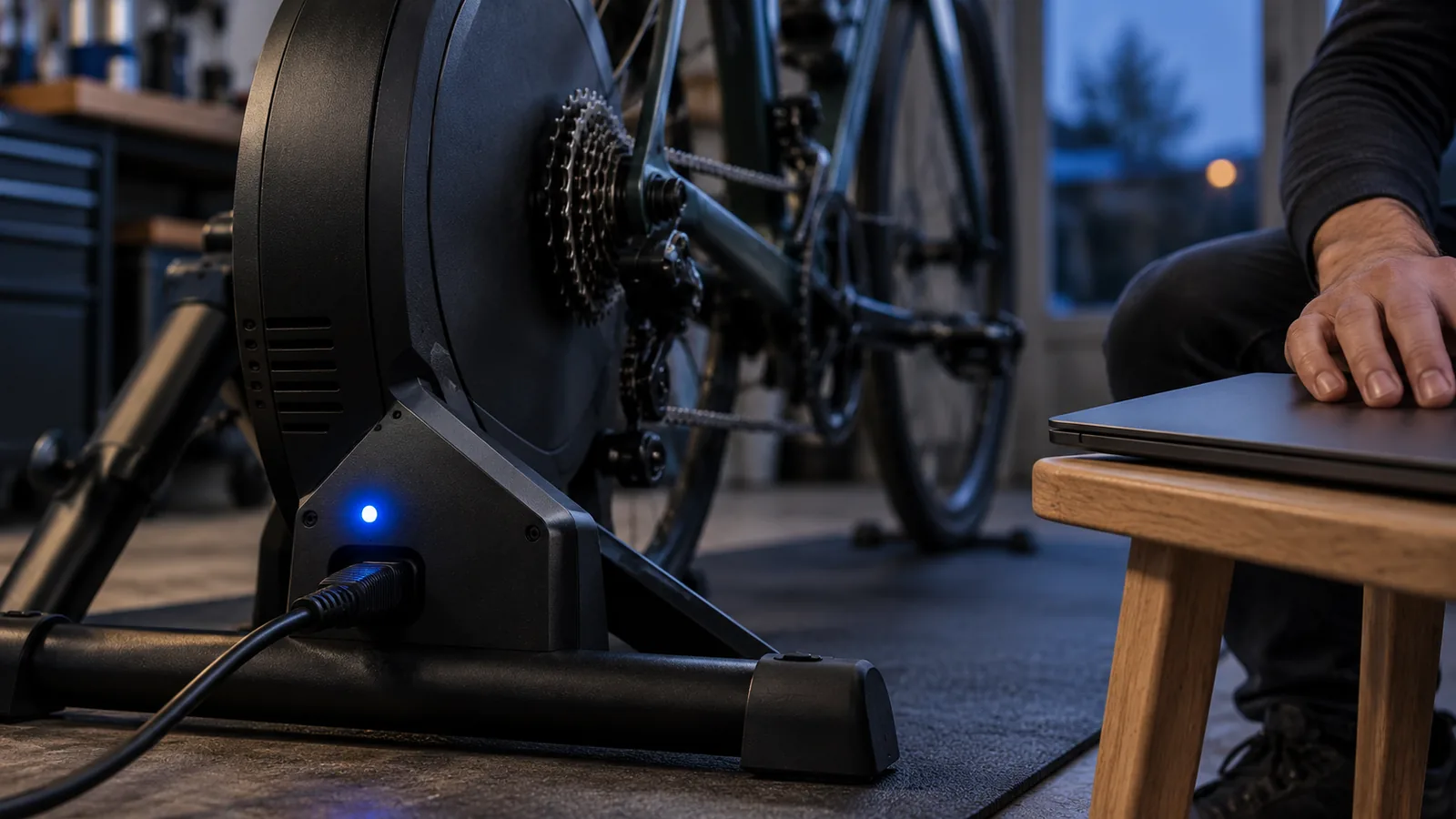
Zwift’s troubleshooting guide calls for current app and device firmware, a compatible trainer and a paired controller. It distinguishes the trainer’s resistance connection from the controller connection, and says virtual shifting is not supported when the trainer is connected through ANT+.
If the buttons do nothing, check the controller pairing and virtual shifting settings before assuming the trainer is broken. Also check whether you are in a workout interval: Zwift documents virtual shifting during free ride workout segments, which is a different situation from an ERG target controlling the load.
ROUVY support means older blanket advice can be wrong
ROUVY documents virtual shifting with supported trainers and Zwift controllers, including Click. Its setup guide asks riders to check the trainer’s virtual shifting support and update Zwift controllers through Zwift Companion. The required steps vary with the controller version.
So an older statement that Cog and Click can never work beyond Zwift is not a reliable buying guide. Equally, ROUVY supporting a combination does not prove that every other app supports it. Open the current guide for the app you intend to use, and follow its connection instructions for your specific hardware.
Everycol does not currently implement Zwift Click shifting
Everycol can communicate with supported trainers through FTMS or Tacx FE-C over Bluetooth, but Zwift Click virtual shifting is not implemented. A trainer sending power through one of those protocols does not add support for the Click buttons.
That is a meaningful limitation if your bike uses a single sprocket and you rely on virtual gears for route riding. Everycol’s SIM mode expects normal bike gearing. Do not buy a Cog and Click setup specifically for Everycol on the assumption that virtual shifting will be available. Trainer hardware validation is also limited, so verify the complete setup before treating protocol support as a guarantee.
An ERG workout is a separate compatibility question
ERG mode asks a compatible trainer to hold a target power while you pedal. You generally do not need to change gears to follow each interval, which is why a single sprocket can seem less restrictive in that context. But the app still needs supported trainer control, and the bike must be mechanically compatible.
Do not turn that into a promise that any Cog setup will work with any workout app. Confirm ERG support for the exact combination. Then test a gentle, steady target before relying on it for a full session. Working in ERG also does not establish that route simulation or virtual shifting will work afterward.
If app choice matters, understand your mechanical options
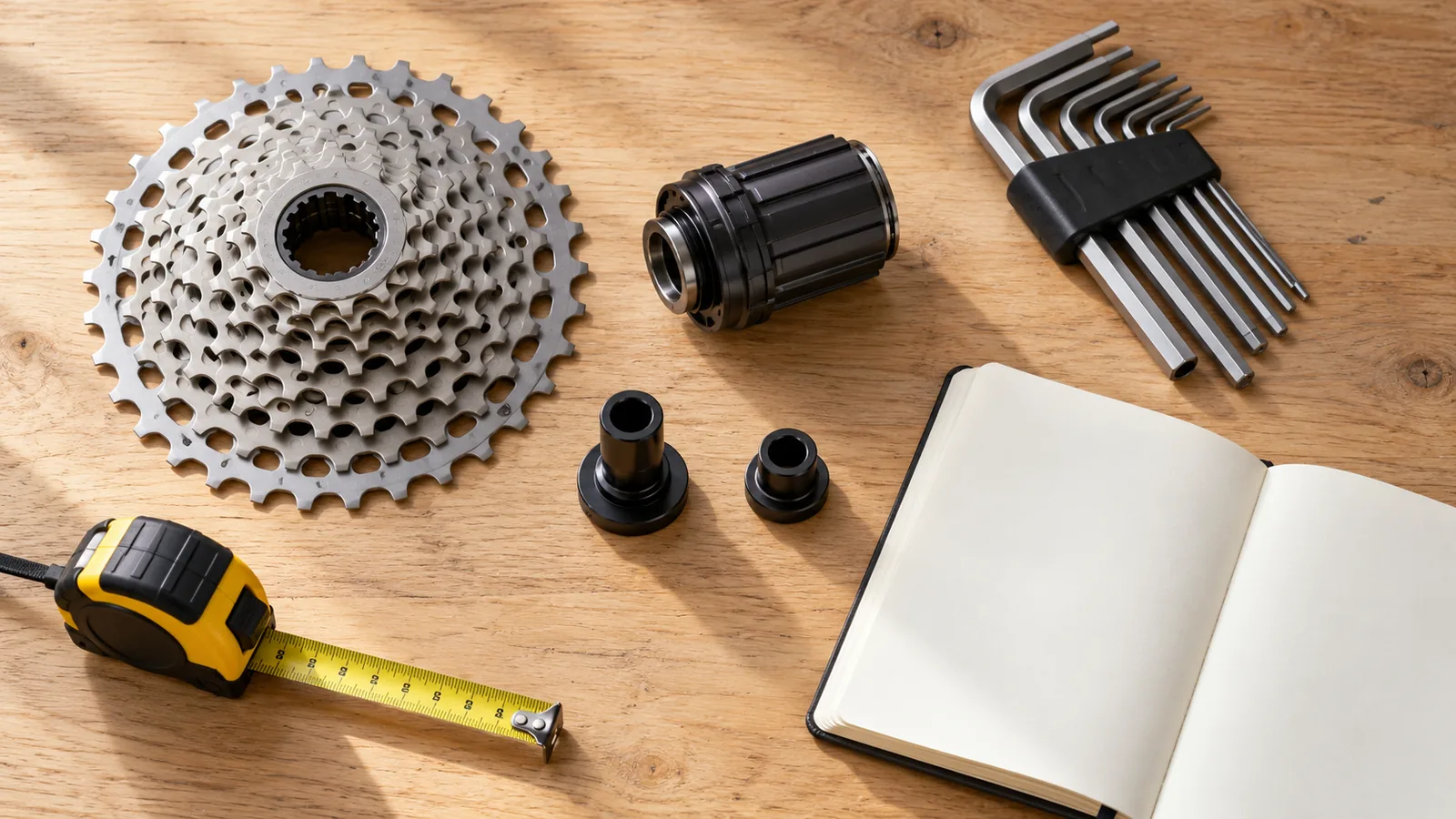
Some trainers can use a conventional cassette instead of a Cog. Whether that is an option for you depends on the trainer, freehub, bike and drivetrain. Follow the manufacturer’s instructions and compatibility guidance; do not assume that swapping parts is universal or that every cassette with the right number of gears is suitable.
Before changing hardware, ask what problem you are solving. If your preferred app already supports your controller, you may need only a firmware or pairing fix. If it does not support virtual shifting, understand the supported mechanical alternative and its total cost. The best time to discover that tradeoff is before the purchase, not while dressed for a ride.
Your questions, answered
Does Zwift Cog contain the virtual gears?
Cog provides the single physical sprocket. Virtual shifting depends on the compatible trainer, app and controller working together.
Can Zwift Click work with ROUVY?
ROUVY documents support for Zwift controllers on supported virtual shifting setups. Check its current trainer directory and the instructions for your controller version.
Can I use Zwift Click to change gears in Everycol?
No. Everycol does not currently implement Zwift Click virtual shifting. Route simulation uses normal bike gearing.
Sources & useful reading
For compatibility and changing product details, go straight to the source.