Smart trainer calibration: when to do it, and when to leave it alone
Find out whether your smart trainer needs a spindown, calibrates automatically or needs no calibration, plus a practical checklist for strange power readings.
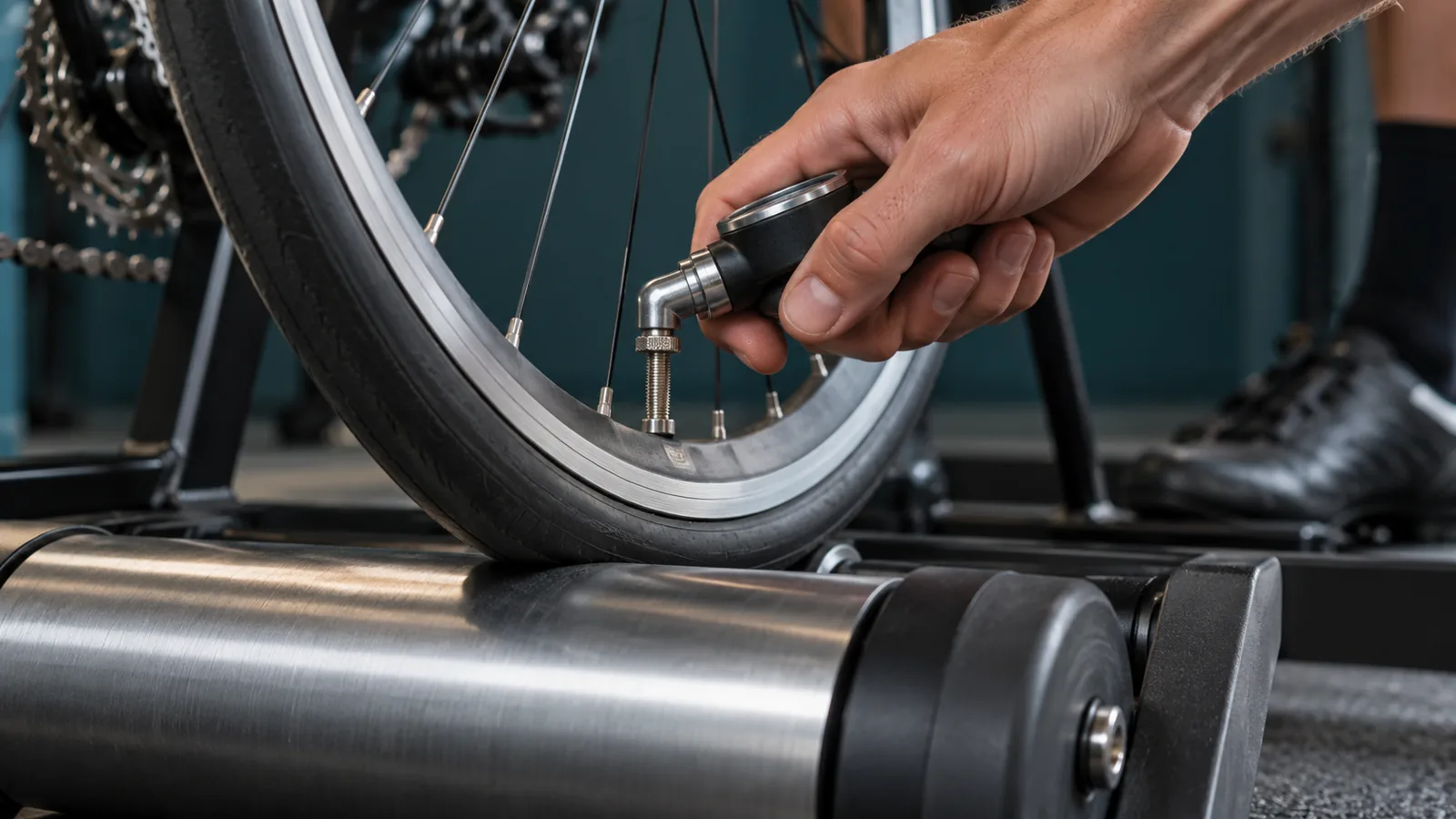
If your power numbers look odd, somebody will eventually tell you to do a spindown. Sometimes that is good advice. Sometimes your trainer calibrates itself, and sometimes it does not need calibration at all. The first step is identifying which kind you own.
Calibration is not a universal ritual to perform before every ride. It is a manufacturer defined procedure, where applicable, for keeping the trainer's measurements working as intended. Follow the current instructions for your exact model and firmware instead of borrowing a routine from a trainer with a similar name.
Start with the label, not the missing button
Find the model and generation in the manufacturer's app or on the unit. KICKR is a product family, not one unchanging calibration procedure. Record the firmware version too. If an app shows no calibration control, that may be expected rather than a fault.
Wahoo's current automatic spindown guidance covers KICKR v5 and v6, MOVE, and CORE generations. It explains that these trainers use coasting to perform automatic calibration. Its guidance says regular manual spindowns are unnecessary; the availability of a manual option differs by model, with CORE 1 an exception. Older KICKRs have separate instructions.
Garmin says Tacx NEO series trainers do not require a calibration process. That does not mean every Tacx trainer works the same way. Find the instructions for your model rather than applying NEO advice to a FLUX or a wheel on unit.
Choose the right calibration path
Keep normal user calibration separate from factory or service procedures. If support asks you to run a particular diagnostic, follow that instruction. Otherwise, repeated resets and hidden routines make it harder to know which change affected the ride.
| What the manufacturer says | What to do | What to avoid |
|---|---|---|
| Manual spindown required | Follow the specified preparation, warmup and app prompts. | Copying another model's speed, time or roller setting. |
| Automatic calibration | Use the supported firmware and riding behavior described in the manual. | Hunting for a hidden manual routine before every ride. |
| No calibration required | Investigate connection, setup and measurement questions instead. | Assuming a missing calibration button proves something is broken. |
| Not sure | Identify the model and check its current support page. | Using a factory or service procedure as an experiment. |
If your trainer needs a spindown, prepare it first
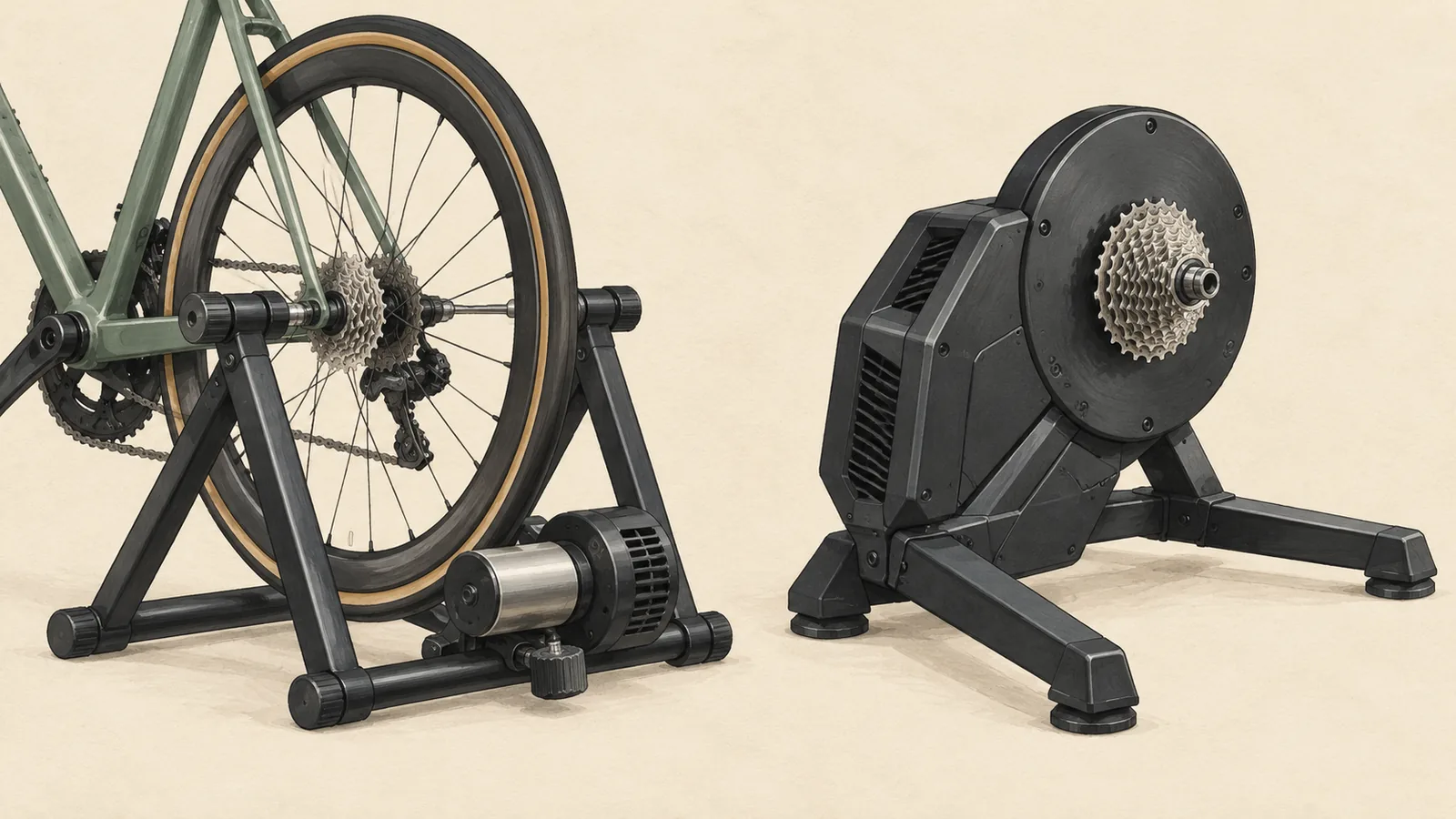
Check the physical setup before opening the calibration screen. The bike should be securely mounted with the correct adapters and no unexpected contact or movement. For a wheel on unit, follow the instructions for tire suitability, pressure and roller tension. Do not exceed the tire or rim manufacturer's limits in pursuit of somebody else's recommended pressure.
Wahoo's SNAP troubleshooting procedure includes warming the trainer for ten minutes before its spindown. That is an example for the SNAP, not a warmup specification for every trainer. Use your model's own sequence, then follow the on screen prompts without adding extra steps from an old forum post.
Use one app to control the trainer while you do this. Close other training apps or connected computers that may still be sending resistance commands. A successful pairing in one app does not prove another device has released control.
When calibration fails, change one thing at a time
Read the message and note where the process stopped. Did the app fail to connect, fail to see the requested speed or reject the result after coasting? Those are different observations. Repeating the entire routine without noting the failure point is rarely illuminating.
Check the manufacturer's app and firmware guidance. Garmin's calibration troubleshooting recommends current app software and trainer firmware, then following the Tacx app's instructions. If an update is needed, complete it using the manufacturer's supported process rather than beginning a ride midway through it.
After the documented checks, try again once. If the failure persists, collect the trainer model, firmware, app version and exact message for support. Include whether the problem began after transport, a bike change or an update. That is useful evidence; an unsupported guess that the trainer has lost a certain percentage of accuracy is not.
Strange numbers do not always mean bad calibration
First check which device supplies the power reading. If you own both power pedals and a trainer, the app may be showing a different source from the one you expected. Write that down before comparing two displays. Also distinguish an occasional connection dropout from a stable reading that is consistently different.
Do not use indoor speed as a calibration test. Wahoo explains that speed in ERG mode may reflect gearing and flywheel speed rather than behaving like outdoor road speed. Two apps can present different distance or speed estimates without proving that the trainer's measured watts have changed.
For a useful check, keep the setup simple and repeatable. Use the same selected power source, a steady manageable effort and the same app settings. If the odd behavior remains after the documented setup checks, take that clear description to support. You do not need to turn every ride into a laboratory session.
Your questions, answered
Should I calibrate my smart trainer before every ride?
Only if its manufacturer specifies that routine. Some trainers need manual calibration, others calibrate automatically and Tacx NEO series trainers do not require calibration.
Why is there no spindown button for my trainer?
It may be expected for a model with automatic calibration or no calibration requirement. Confirm the model and firmware in the manufacturer's documentation before treating it as an app fault.
Should I run a factory spindown if my watts look low?
Do not use a service procedure as a general experiment. Check the selected power source, mounting, connection and normal model specific instructions first, then contact support if the issue persists.
Sources & useful reading
For compatibility and changing product details, go straight to the source.